• 2 •
2.7 Remove personal metal items such as rings, bracelets, necklaces, and watches when working with a
lead-acid battery. A lead-acid battery can produce a short-circuit current high enough to weld a ring or
the like to metal, causing a severe burn.
2.8 When charging the internal battery, work in a well ventilated area and do not restrict ventilation in any way.
2.9 Under abusive conditions, liquid may be ejected from the battery; avoid contact. If contact accidentally
occurs, ush with water. If liquid contacts eyes, additionally seek medical help. Liquid ejected from the
battery may cause irritation or burns.
2.10 Do not expose a power pack to re or excessive temperature. Exposure to re or temperature above
265°F (130°C) may cause explosion.
2.11 Have servicing performed by a qualied repair person using only identical replacement parts. This will
ensure that the safety of the product is maintained.
2.12 Attach output cables to a battery and chassis as indicated below. Never allow the output clamps to touch
one another.
2.13 Changes or modications not expressly approved by Schumacher Electric could void the user’s authority
to operate this device.
2.14 NOTE: This equipment has been tested and found to comply with the limits for a Class B digital device,
pursuant to part 15 of the FCC Rules. These limits are designed to provide reasonable protection against
harmful interference in a residential installation. This equipment generates, uses, and can radiate radio
frequency energy and, if not installed and used in accordance with the instructions, may cause harmful
interference to radio communications. However, there is no guarantee that interference will not occur in a
particular installation. If this equipment does cause harmful interference to radio or television reception,
which can be determined by turning the equipment off and on, the user is encouraged to try to correct
the interference by one or more of the following measures:
• Reorient or relocate the receiving antenna.
• Increase the separation between the equipment and receiver.
• Connect the equipment into an outlet on a circuit different from that to which the receiver is connected.
• Consult the dealer or an experienced radio/TV technician for help.
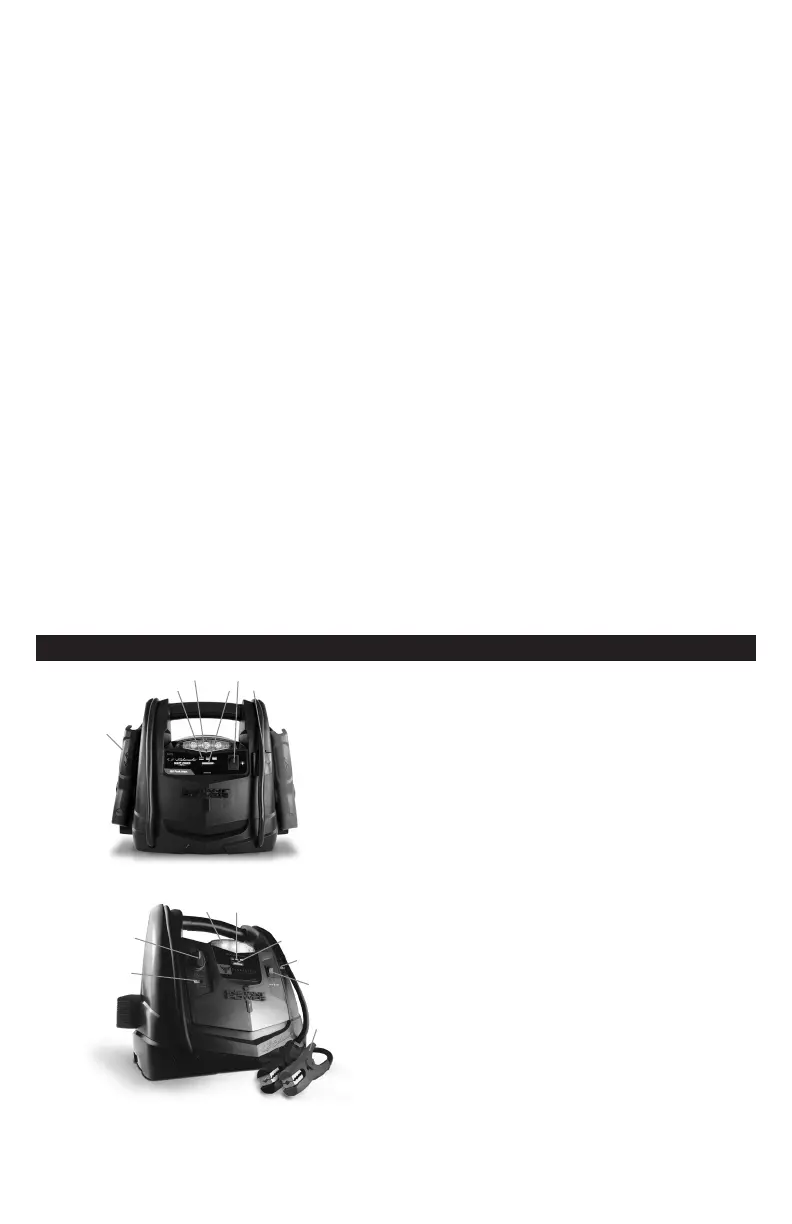
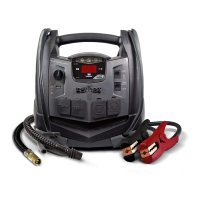
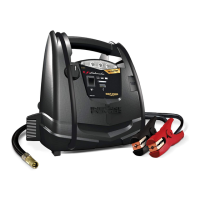
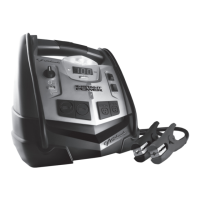
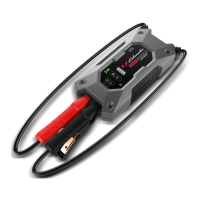
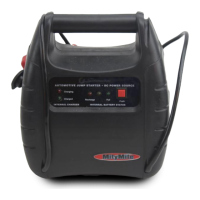
3. FEATURES
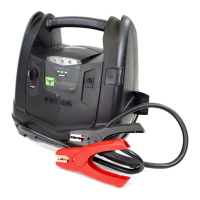
Models without rotary switch and USB port (model
SJ1329)
1. Battery clamps
2. Battery status indicators
3. Built-in work light
4. Battery status button
5. Work light ON/OFF switch
6. 12V DC power outlet
1
2 64
6
4
3
5
7
8
1
2
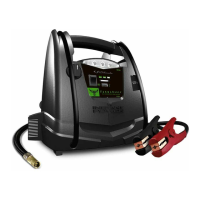
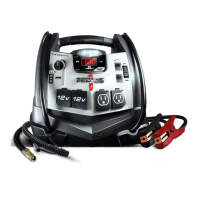
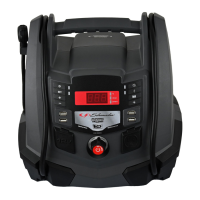
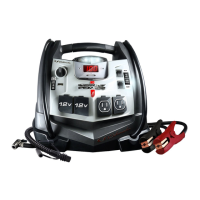
Models with rotary switch and USB port (models
FR01241, FR01549, and SJ1342)
1. USB port
2. Rotary switch for USB and jump starter
3. Built-in work light
4. Battery status indicators
5. Battery status button
6. 12V DC power outlet
7. Work light ON/OFF switch
8. Battery clamps
3
5



 To Next Page