EasyManua.ls Logo

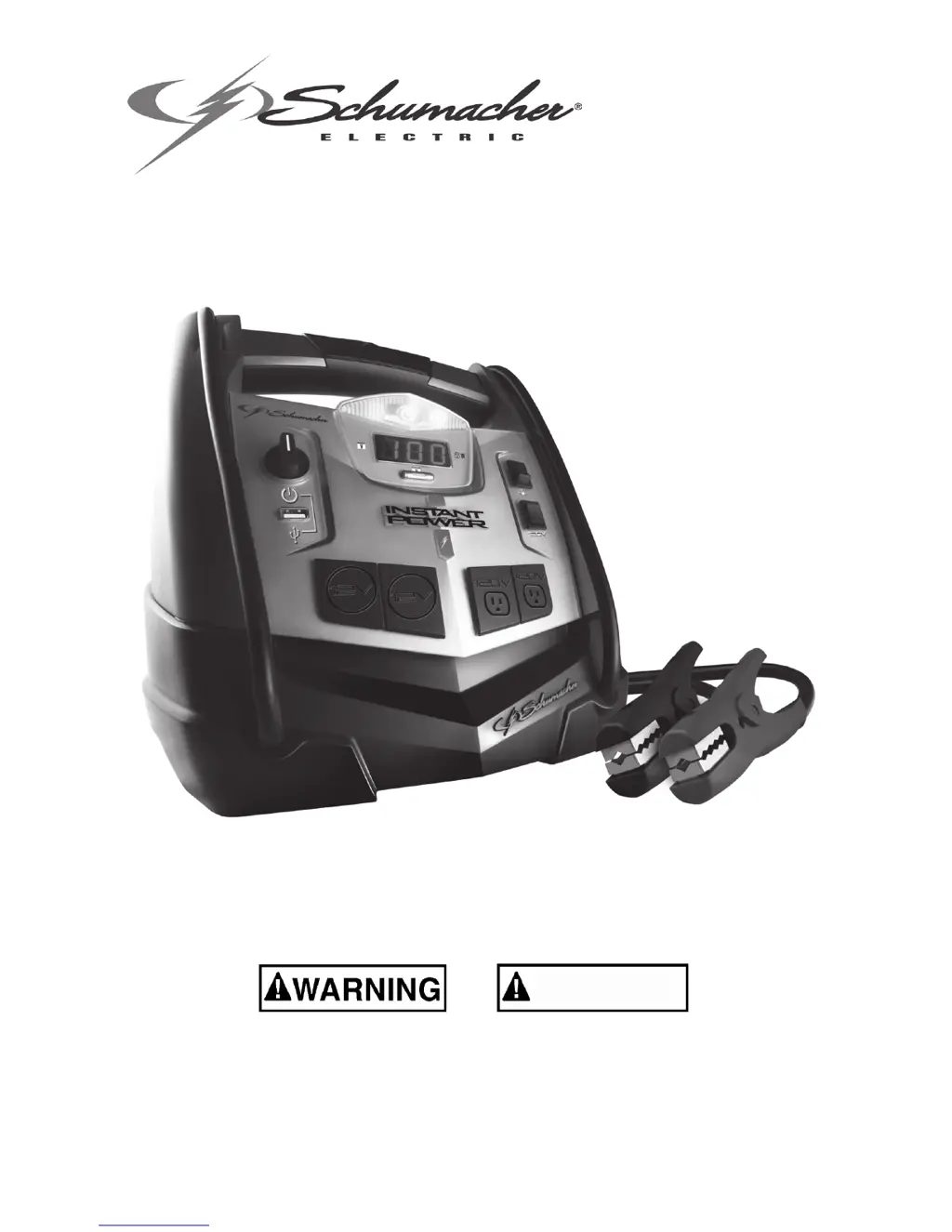
Schumacher XP2260 - User Manual

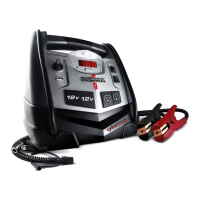
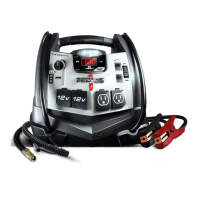
Schumacher XP2260
36 pages
Print Icon
To Next Page IconTo Next Page
Loading...
0099001043-06
Model / Modelo: XP2260
READ THE ENTIRE MANUAL BEFORE USING THIS PRODUCT. •
FAILURE TO DO SO COULD RESULT IN SERIOUS INJURY OR DEATH.
LEA EL MANUAL COMPLETO ANTES DE UTILIZAR ESTE PRODUCTO. •
CUALQUIER FALLA PODRÍA RESULTAR EN SERIAS LESIONES O PODRÍA
SER MORTAL.
OWNER’S MANUAL
•
MANUAL DEL USUARIO
INSTANT POWER
JumpStarterandDCPowerSource•FuentedePoderdeCDyArrancador
ADVERTENCIA

Questions and Answers

  • D
    Donna PerezJul 31, 2025
    What to do if my Schumacher Remote Starter won't jump start my car?
    • B
      browngraceJul 31, 2025
      If your Schumacher Remote Starter isn't jump starting your car, there are several potential causes: * Ensure the Jump Start/USB Switch is turned ON. * Check the battery connections, ensuring they are clean and making good contact. Rock the clips back and forth to improve the connection. * Verify that the Instant Power™ battery is charged. Check the battery charge status by pressing the button on the front of the unit. Refer to the DIGITAL DISPLAY FUNCTIONS section for details. * The vehicle’s battery may be defective. Have it checked by a professional.
  • K
    Kim HicksAug 15, 2025
    Why won't my Schumacher XP2260 power my 12V device?
    • M
      Maurice LarsonAug 15, 2025
      If your Schumacher Remote Starter isn't powering your 12V device, consider these possibilities: * Make sure the 12V device is turned on. * Check the charge status of the Instant Power™ battery by pressing the button on the front. * The 12V device may draw more than 15A or have a short circuit. Disconnect the device; the internal breaker will reset automatically after a few minutes. Try the device again. If the issue persists, replace the 12V device.

Summary

Important Safety Instructions

Personal Precautions

Preparing to Use the Instant Power

Instant Power Location

Describes where to position the device relative to the battery for safe operation.

DC Connection Precautions

Outlines essential precautions before connecting DC output clips to the battery.

Follow These Steps When Connecting to a Battery

Step-by-step guide for safely connecting the device to a vehicle battery.

Charging and AC Power Cord Connections

Installation Instructions

Instructions for preparing the device for use, such as uncoiling cables.

Features

Charging the Internal Battery of the Instant Power

Instructions on how to charge the internal battery, including frequency and methods.

Operating Instructions

Digital Display Functions

Explains the information shown on the digital display, such as charge level and voltage.

Jump Starting a Vehicle Engine

Comprehensive guide on using the device to jump-start a vehicle engine safely.

Powering a 12 V DC Device

How to use the device to power 12V DC accessories and estimated usage times.

Using the USB Port

Instructions for using the built-in USB port to charge or power USB devices.

Using the Built-In Light

How to operate the integrated work light for illumination.

Using the Air Compressor

Guide on using the air compressor function for inflating items.

Using the Inflator

Instructions for using the inflator feature for various items.

Using the Deflator

Steps to use the deflator function for deflating items.

Before Using the Inverter

Important safety precautions to consider before operating the inverter.

Using the Inverter

Details on how to use the inverter to power AC devices, including wattage limits.

Powering a 120 V AC Device

Specific instructions for connecting and operating 120V AC devices via the inverter.

Maintenance Instructions

Moving and Storage Instructions

Guidelines for safely moving and storing the Instant Power™™ unit.

Troubleshooting

Common problems and their solutions for the Instant Power™™ device.

Specifications

Replacement Parts;Accessories

List of available replacement parts and accessories for the product.

Limited Warranty

Schumacher XP2260 Specifications

General IconGeneral
BrandSchumacher
ModelXP2260
CategoryRemote Starter
LanguageEnglish

Related product manuals