EasyManua.ls Logo

Schumacher SC1361 - User Manual

Schumacher SC1361
65 pages
Print Icon
To Next Page IconTo Next Page
Loading...
User Manual of Product 1:
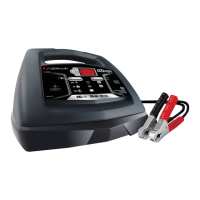
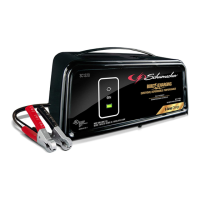
Schumacher SC1308 2/12/30/100A 6V/12V Battery Charger
and Engine Starter , Black
User Manual of Product 2:
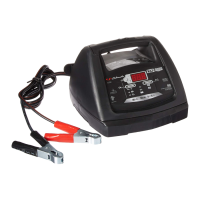
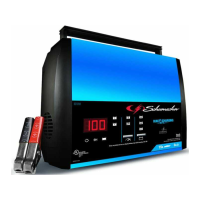
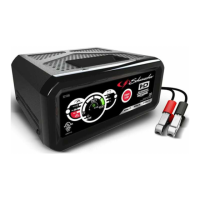
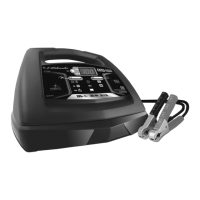
Schumacher SC1361 Fully Automatic Battery Charger,
Maintainer, and Starter – 50 Amp/10 Amp, 12V - Car, SUV, and
Small Trucks

Table of Contents

Questions and Answers

  • K
    Kent ChenAug 7, 2025
    What to do if Schumacher SC1361 Battery Charger shows lack of progress in Maintain mode?
    • T
      toddshawnAug 7, 2025
      If your Schumacher Battery Charger shows no progress after 12 hours in Maintain mode, it indicates the battery isn’t holding a charge. This could be due to a drain on the battery or a faulty battery. Ensure there are no loads on the battery; if present, remove them. If no loads are found, have the battery checked or replaced.
  • B
    Brett GreenAug 17, 2025
    What to do if Schumacher SC1361 voltage is too low after charging?
    • J
      Jason NewmanAug 18, 2025
      If, after 2 hours of charging, the battery voltage remains below 10V (for a 12V battery) or 5V (for a 6V battery), the battery may be defective. First, ensure there are no loads on the battery; if any exist, remove them. If no loads are present, have the battery inspected or replaced.
  • S
    Susan ParkerAug 27, 2025
    What to do if Schumacher Battery Charger desulfation is unsuccessful?
    • D
      Dana ChapmanAug 27, 2025
      If the desulfation process of your Schumacher Battery Charger is unsuccessful after 10 hours, it suggests that the battery might be defective. It is recommended to have the battery checked or replaced.

Summary

Important Safety Instructions

Personal Safety Precautions

Preparing to Charge

Charger Location

DC Connection Precautions

Follow These Steps When Battery Is Installed in Vehicle

Follow These Steps When Battery Is Outside Vehicle

Grounding and AC Power Cord Connections

Assembly Instructions

Control Panel

Digital Display

Provides digital indication of voltage or % of charge. Can be turned on by pressing Display button.

Display Button

Used to set the function of the digital display to battery % or Voltage.

Operating Instructions

Rate Selection Button

Selects charging rate: 6<>2A, 30A BOOST, or 100A ENGINE START.

LED Indicators

Shows charger status: clamps reversed, charging, or charged/maintaining.

Battery Type Button

Selects battery type: STD or AGM for optimal charging.

Charging Procedures

Guides for charging batteries inside or outside the vehicle.

Boost Mode

Enables rapid charging for severely discharged batteries or for engine starting.

Maintaining a Battery

Using the Engine Start Setting

Using the Battery Voltage Tester

Using the Alternator Performance Tester

Maintenance and Care

Troubleshooting and Error Codes

Before Returning for Repairs

Specifications

Limited Warranty

Important Safety Instructions

Personal Safety Precautions

Preparing to Charge

Charger Location

DC Connection Precautions

Follow These Steps When Battery Is Installed in Vehicle

Follow These Steps When Battery Is Outside Vehicle

Grounding and AC Power Cord Connections

Assembly Instructions

Control Panel

Operating Instructions

Maintaining a Battery

Using the Engine Start Setting

Maintenance and Care

Troubleshooting

Before Returning for Repairs

Specifications

Limited Warranty

Schumacher SC1361 Specifications

General IconGeneral
BrandSchumacher
ModelSC1361
CategoryBattery Charger
LanguageEnglish

Related product manuals