• 6 •
DESULFATION MODE
Desulfation could take 8 to 10 hours. If
desulfation fails, charging will abort and the
CHARGING
(yellow) LED will ash.
COMPLETION OF CHARGE
Charge completion is indicated by the
CHARGED/MAINTAINING (green)
LED. When pulsing, the charger has
switched to the maintain mode of operation.
MAINTAIN MODE
(FLOAT-MODE MONITORING)
When the CHARGED/MAINTAINING
(green) LED is pulsing, the charger has
started maintain mode. In this mode, the
charger keeps the battery fully charged by
delivering a small current when necessary.
If the charger has to provide its maximum
maintain current for a continuous 12 hour
period, it will go into abort mode (see
Aborted Charge section). This is usually
caused by a drain on the battery or the
battery could be bad. Make sure there are
no loads on the battery. If there are, remove
them. If there are none, have the battery
checked or replaced.
MAINTAINING A BATTERY
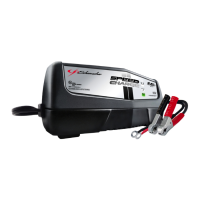
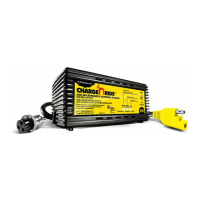
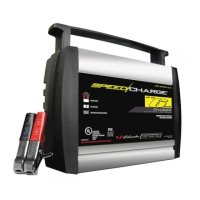
The XC12-CA, XCS15-CA and XCS15W
charge and maintain both 6 and 12 volt
batteries.
NOTE: The maintain mode technology
allows you to safely charge and maintain a
healthy battery for extended periods of time.
However, problems with the battery, electrical
problems in the vehicle, improper
connections or other unanticipated conditions
could cause excessive current draws. As
such, occasionally monitoring your battery
and the charging process is required.
USING THE BATTERY VOLTAGE TESTER
1. With the charger unplugged from the
AC outlet, connect the charger to the
battery following the instructions given in
previous sections.
2. Plug the charger AC power cord into the
AC outlet.
3. If necessary, press the BATTERY TYPE
button until the correct type is indicated.
4. Read the voltage on the digital display.
Keep in mind that this reading is only a
battery voltage reading; a false surface
charge may mislead you. Compare the
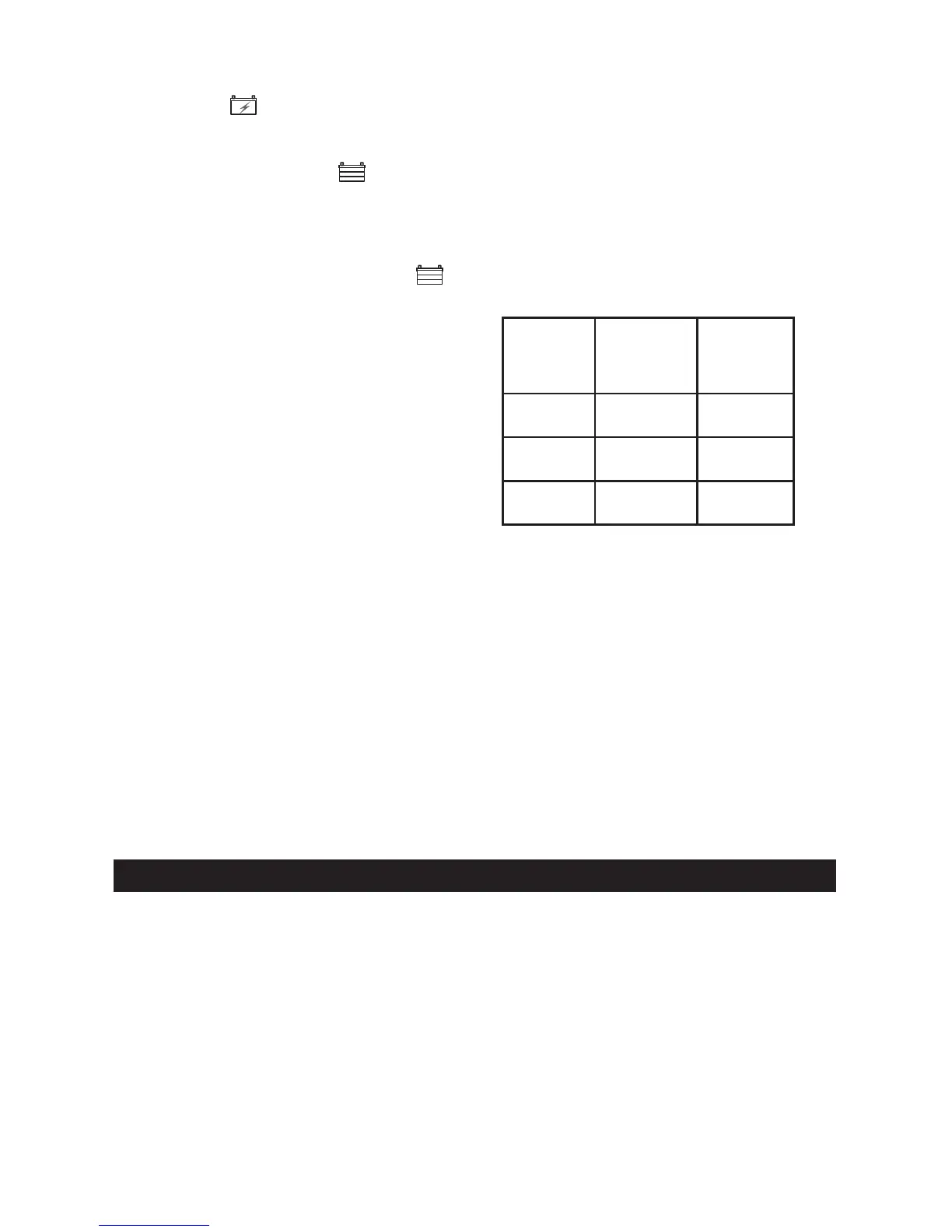
reading to the chart below.
6 V
Battery
Voltage
Reading
12 V
Battery
Voltage
Reading
Battery
Condition
6.4 or
More
12.8 or
More
Charged
6.1 to 6.3 12.2 to 12.7 Needs
Charging
Less than
6.1
Less than
12.2
Discharged
POWER-UP IDLE TIME LIMIT
If no button is pressed within 10 minutes
after the battery charger is rst powered up,
the charger will automatically switch from
tester to charger if a battery is connected.
In that case, the charger will be set to charge
at the 3A rate and AGM battery type
(XC12-CA) or gel cell battery type (XCS15-CA
and XCS15W).
TESTING AFTER CHARGING
After the unit has been changed from tester
to charger (by selecting a charge rate), it
remains a charger. To change the battery
charger back to a tester, press the
CHARGING RATE button until all charge
rate LEDs are off.
MAINTENANCE AND CARE
A minimal amount of care can keep your
battery charger working properly for years.
• Clean the clamps each time you are
nished charging. Wipe off any battery uid
that may have come in contact with the
clamps to prevent corrosion.
• Occasionally cleaning the case of the
charger with a soft cloth will keep the nish
shiny and help prevent corrosion.
• Coil the input and output cords neatly when
storing the charger. This will help prevent
accidental damage to the cords and charger.
• Store the charger unplugged from the AC
power outlet in an upright position.
• Store inside, in a cool, dry place. Do not
store the clamps clipped together, on or
around metal, or clipped to the cables.



 To Next Page