Front-Panel Operation 9-9
SEL-300G Instruction Manual Date Code 20000616
Local Control State Retained When Relay Deenergized
Local bit states are stored in nonvolatile memory, so when power to the relay is turned off, the
local bit states are retained.
If a local bit such as LB1 initially is at logical 1 when power to the relay is turned off and then
turned on again, local bit LB1 remains at logical 1. This is similar to a traditional panel, where
enabling/disabling of functions is accomplished by panel-mounted switches. If dc control
voltage to the panel is lost and then restored again, the switch positions are still in place.
ROTATING DEFAULT DISPLAY
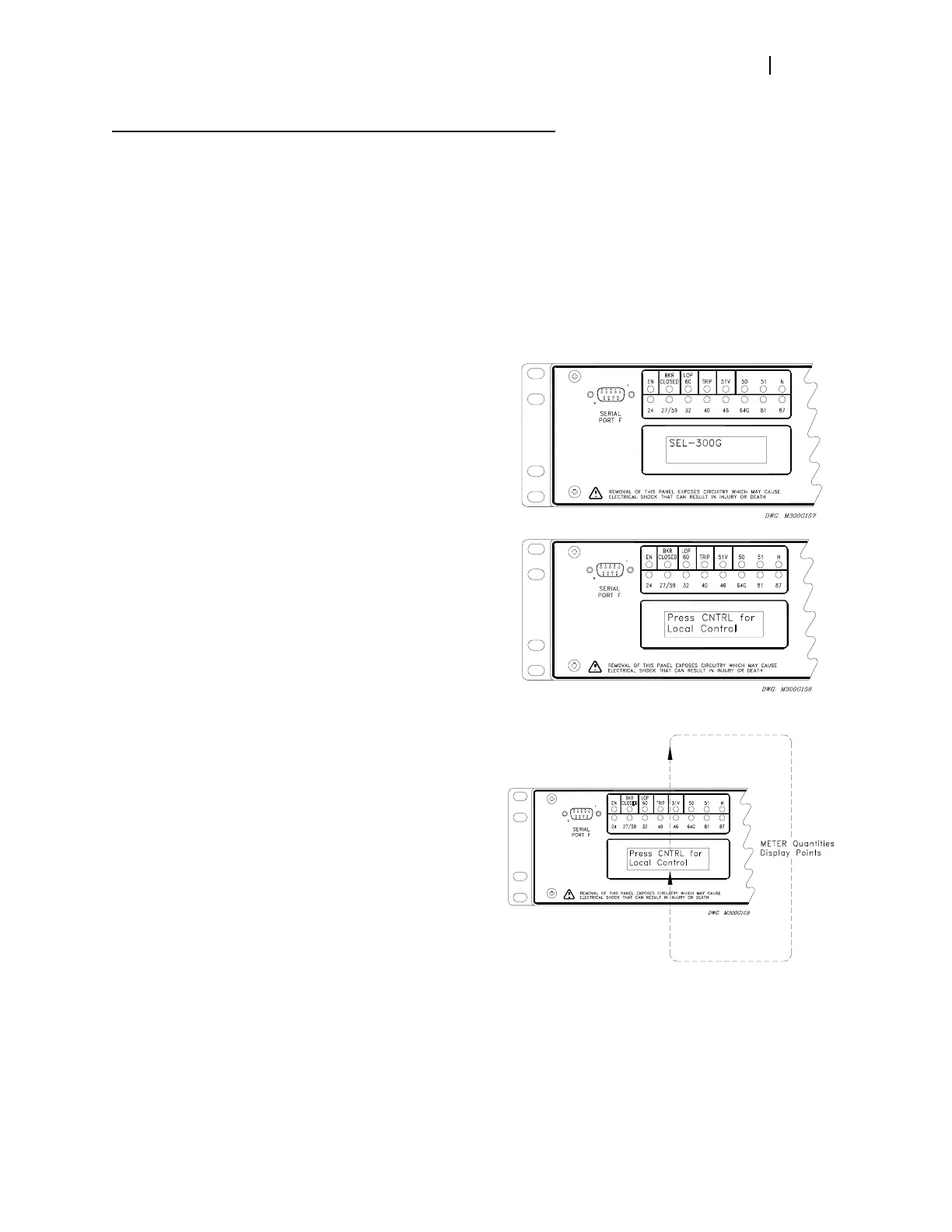
The relay name, “SEL-300G”, displays if no
local control is operational (i.e., no
corresponding switch position label settings
were made) and no display point labels or
metering quantities are enabled for display.
The “Press CNTRL for Local Control”
message displays if at least one local control
switch is operational. It is a reminder of how
to access the local control function. See the
preceding discussion in this section and
Local Control Switches in Section 4:
SEL
OGIC
®
Control Equations for more
information on local control.
If display point labels and/or rotating meter
values also are enabled for display, the
“Press CNTRL for Local Control” displays
for 2 seconds and is followed by enabled
meter quantities and display point labels in
subsequent 2-second rotations.
Display point label settings are set with the SET G command or viewed with the SHO G
command via the serial port [see Section 6: Enter Relay Settings and SHO Command
(Show/View Settings) in Section 10: Serial Port Communications and Commands].
For more detailed information on the logic behind the rotating default display, see Rotating
Default Display in Section 4: SEL
OGIC
®
Control Equations.



 To Next Page