Scientific
PSD7303 27/42
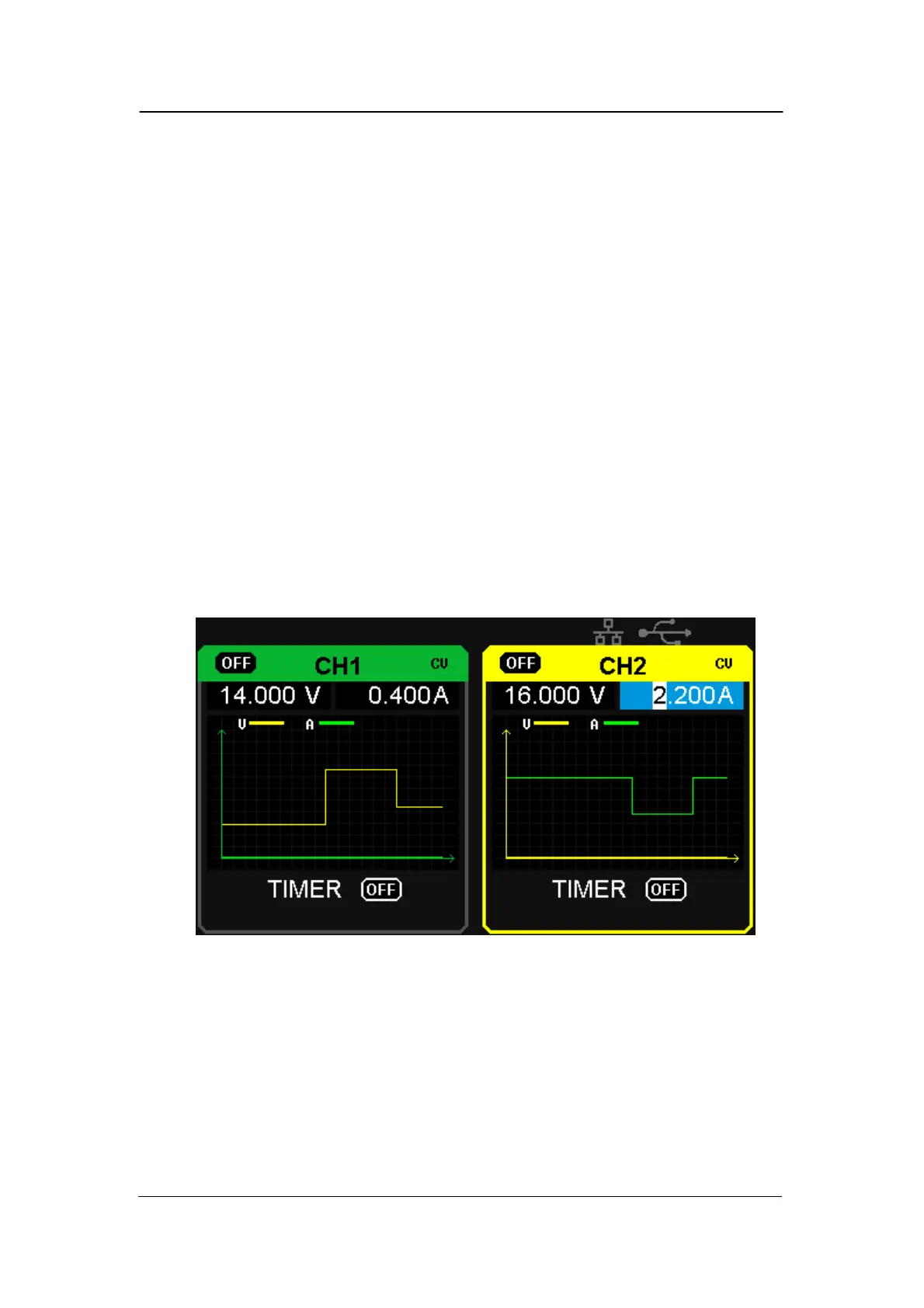
2.9 Waveform display
PSD7303A/7303B can display the changing of current voltage and current in
real time in the form of curve drawing.
Operation steps:
1. Select CH1/CH2, and then set voltage/current parameter;
2. Press “Wavedisp” button to enter Waveform Display interface, and the
indicator light turns bright immediately.
3. Press CH1/CH2 “on/off” button to turn on the output, the corresponding
indicator light turns bright immediately and you can observe the real-
time changing of current voltage/current.
Waveform interface:
Note: Yellow line means voltage, green line means current, and axis
of ordinate means voltage or current value (0~32V/0~3.2A).



 To Next Page