Scientific
PSD7303 29/42
2.11 Upgrade firmware
The software of the instrument is upgraded with a fixed name file via
PC management software with USBTMC. The upgrade method is below:
Upgrade in normal Interface
1. Open the EasyPower software after USB line having been connected
perfectly, and make sure the instrument is connected with the software
normally.
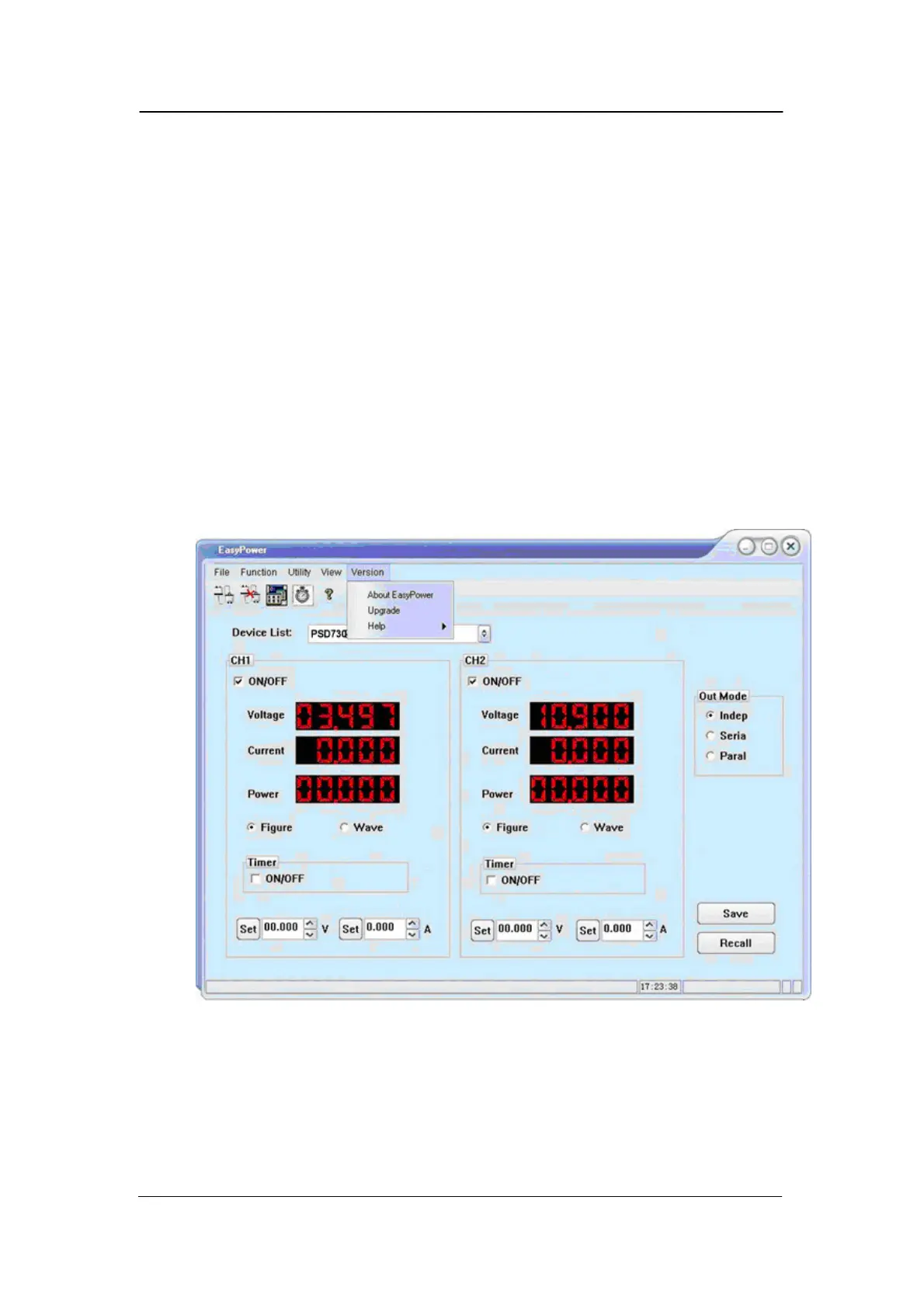
2. Click Version and then choose Upgrade in the drop-down menu to enter the
USB firmware upgrade dialogue. See figure 1:
Figure 1



 To Next Page