8.0 LinLab - Motorized Device Configuration and Cont
r
ol Software |37
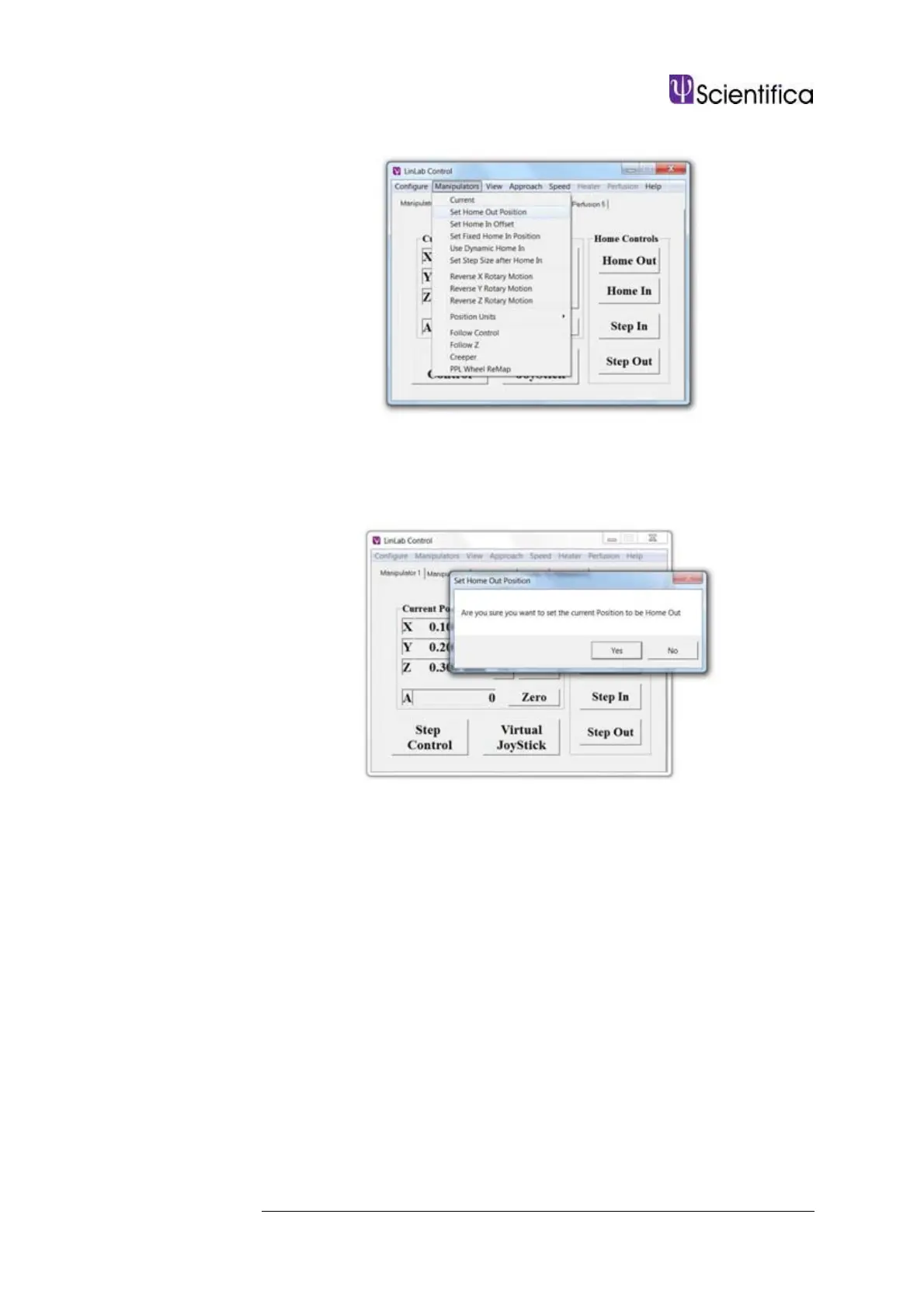
8.3.3 Manipulator / Set Home Out Position
This allows the user to select the current position as the home out
position. After selecting this option a message will appear asking if you
are sure that you want to do this. Once selected, the current position is
stored as the Home Out position.
8.3.4 Manipulator / Set Home In Offset
This allows you to apply an offset of between -10 mm and +10 mm (in
micron steps). This is useful for instance; when controlling a
manipulator, having changed a pipette and wanting to return close to the
sample position without colliding into the sample. The manipulator will
return to the position prior to Home Out less the Offset distance.



 To Next Page