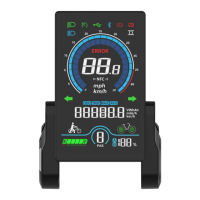
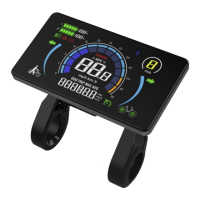
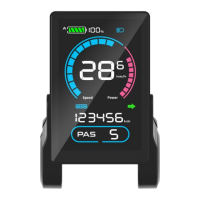
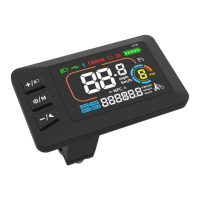
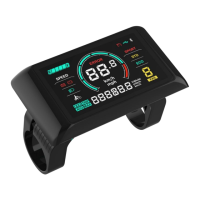
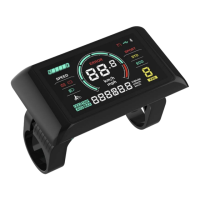
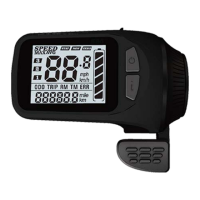
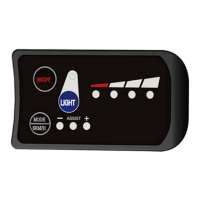
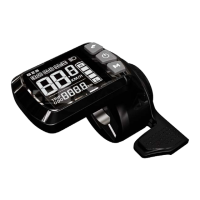
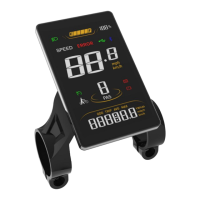
3.3 Toggle Displays
When the display is on, press the On/Off Key to toggle among ODO (total
range), Trip (single trip range), TIME (riding time) etc.
3.4 Light On/Off
Turn on the Front Light: when the front light is off, press and hold the Up
Key to turn it on, and the light icon will be shown on the riding interface (to
remove this functions, please reconfigure the controller).
Turn off the Front Light: when the front light is on, press and hold the Up
Key to turn it off, and the light icon will be off on the riding interface.
3.5 Walk Assist Mode
Engage Walk Assist Mode: On the riding interface, press and hold the
Minus Key to enter walk assist mode. Hold the Minus Key to engage walk
assist mode, the walk mode icon will be shown on the riding interface, the
real-time speed will be shown in the speed section.
Disengage Walk Assist Mode: release the Minus Key to disengage the
walk assist mode, the icon will off on the riding interface.
4. Settings
4.1 Setting Operations
①
Enter the Settings: when the display is on, double tap on the On/Off key
to enter the Settings. Available setting items include: system voltage, wheel
size (inch), speed limit and password, etc (please refer to 4.2 Setting Items
P01-P09).
②
Adjust Settings: on the Settings interface, press the Plus Key or the
Minus/Walk Assist Key to set values for items. The value will blink after
change. Press the On/Off Key to save the set value and switch to next item.
③ Save and Exit Settings:Double tap on the On/Off key to exit the
Settings and save the set value. The system will save and exit automatically


 To Next Page