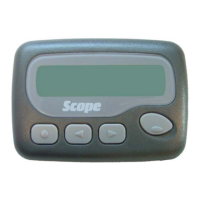
SCOPE GEO40A User Manual
GEO40USER 8 of 10 Issue 1
(4) Messages Reading
I) Reading message
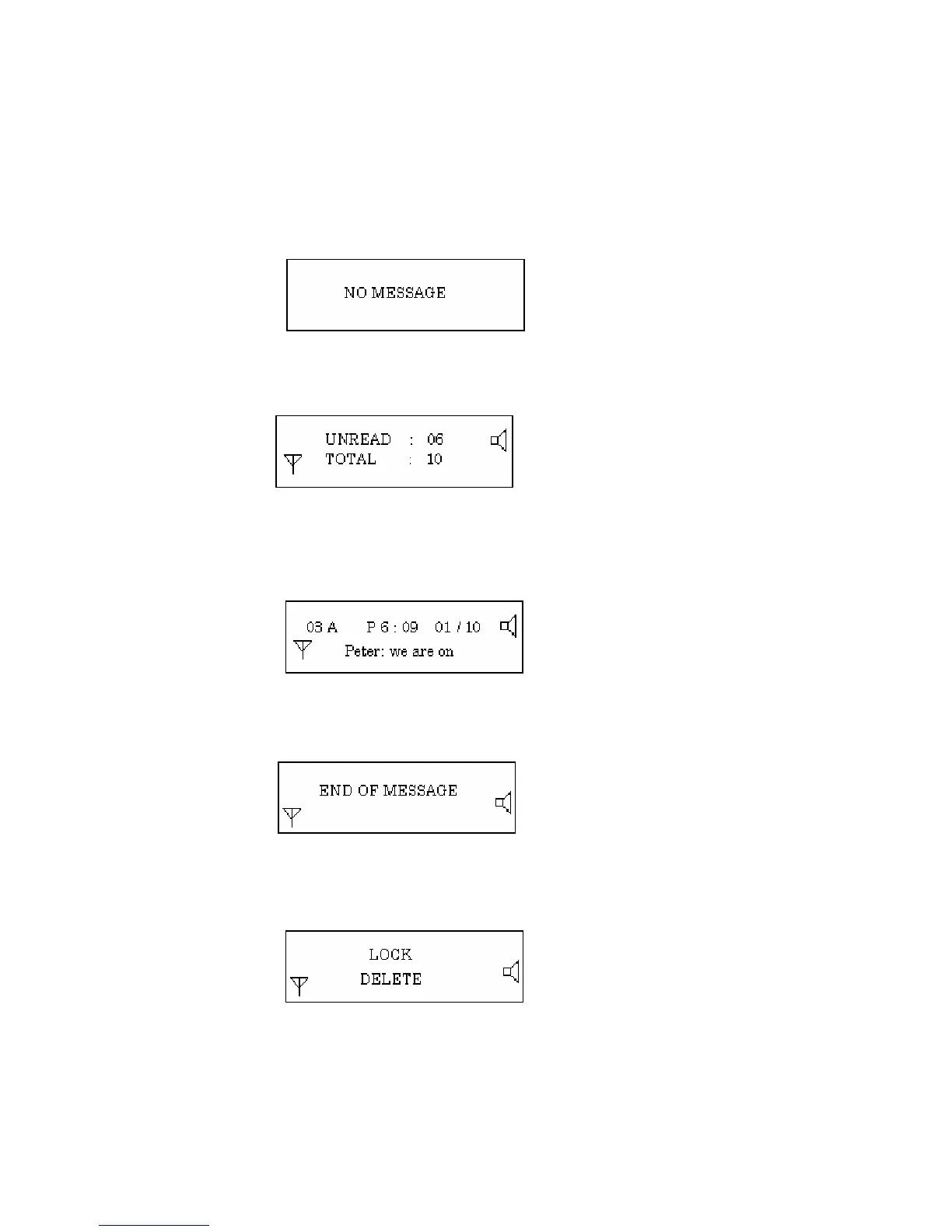
At the standby mode and the clock display mode, press “ Read/Confirm” key. There will be an
indication as follows:
If there are messages stored, the menu will be shown as follows:
Pressing the “Left” and “Right” keys, the messages can be viewed back & forth, press
“Read/Confirm” key to read the selected message:
After finished reading the last message, there will be an end of message indicator:
II) Messages: locking/unlocking/deleting
When reading a message, the user may lock/unlock/delete the message
When unlocking a message, the above menu will be shown when the “SELECT” key is pressed.
If the user chooses “Lock” and presses the “Read/Confirm” key, the message will be locked and
the pager will return to the message reading mode.


 To Next Page