C1448, C1848 D
Air and Water Cooled User Manual
December 2014
Page 7
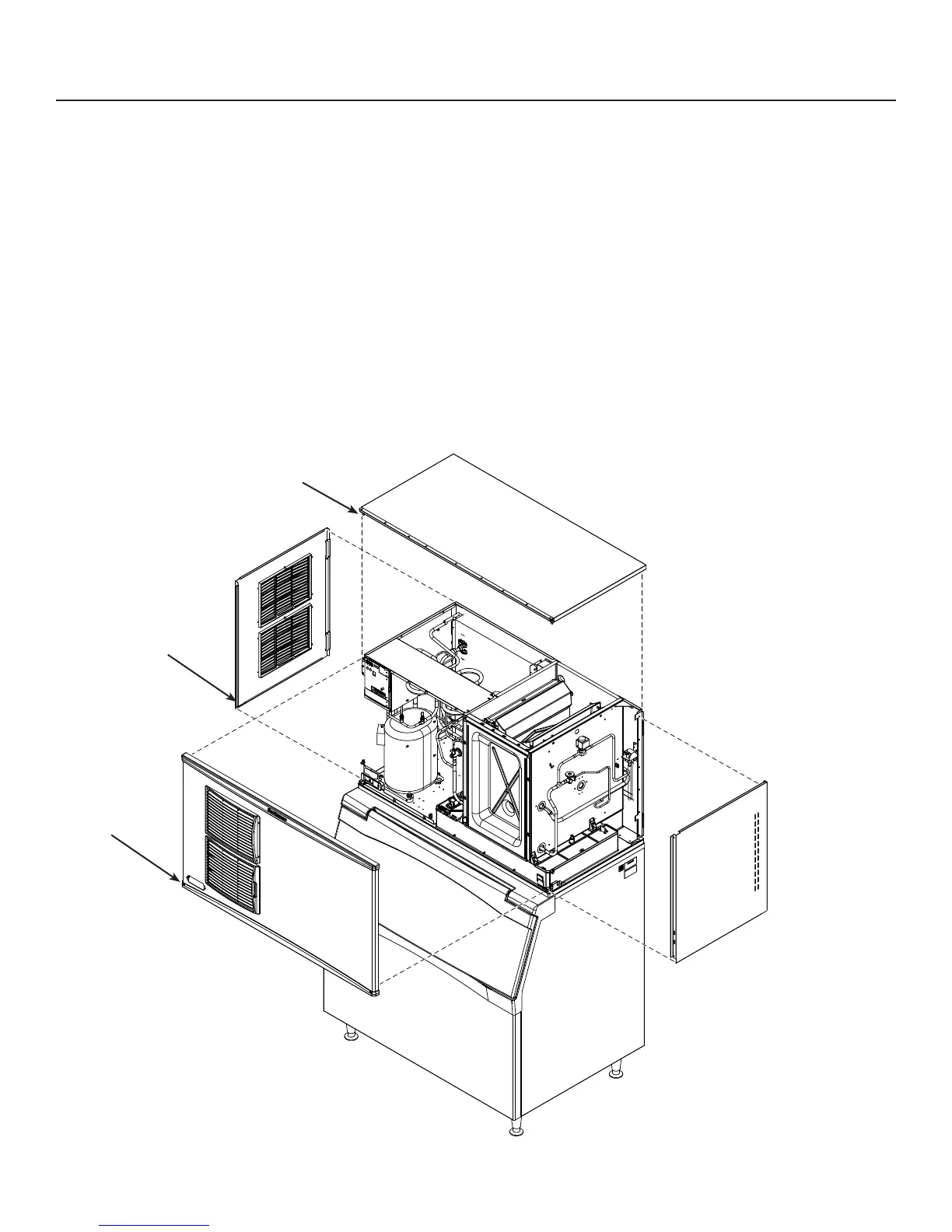
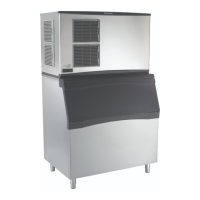
Panel Removal
1. Locate and loosen the two screws at the bottom
edge of the front panel.
2. Pull the front panel out at the bottom.
3. Lower the front panel down and off the machine.
4. Remove two screws at front edge of top panel.
5. Lift up the front of the top panel, push it back an
inch, then lift to remove.
6. Locate and loosen the screws holding each side
panel to the base.
7. Pull the side panel forward to release it from the
back panel.
Panel Removal
1
6
5


 To Next Page