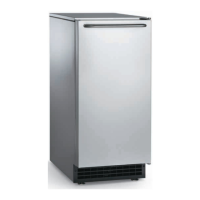
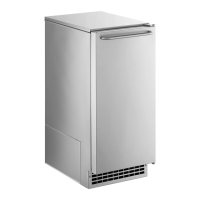
CU50
Service Manual
June 2010
Page 11
Cube Size Adjustment
The cube size can be adjusted by changing the
amount of freeze cycle time. This is done by a
button press sequence.
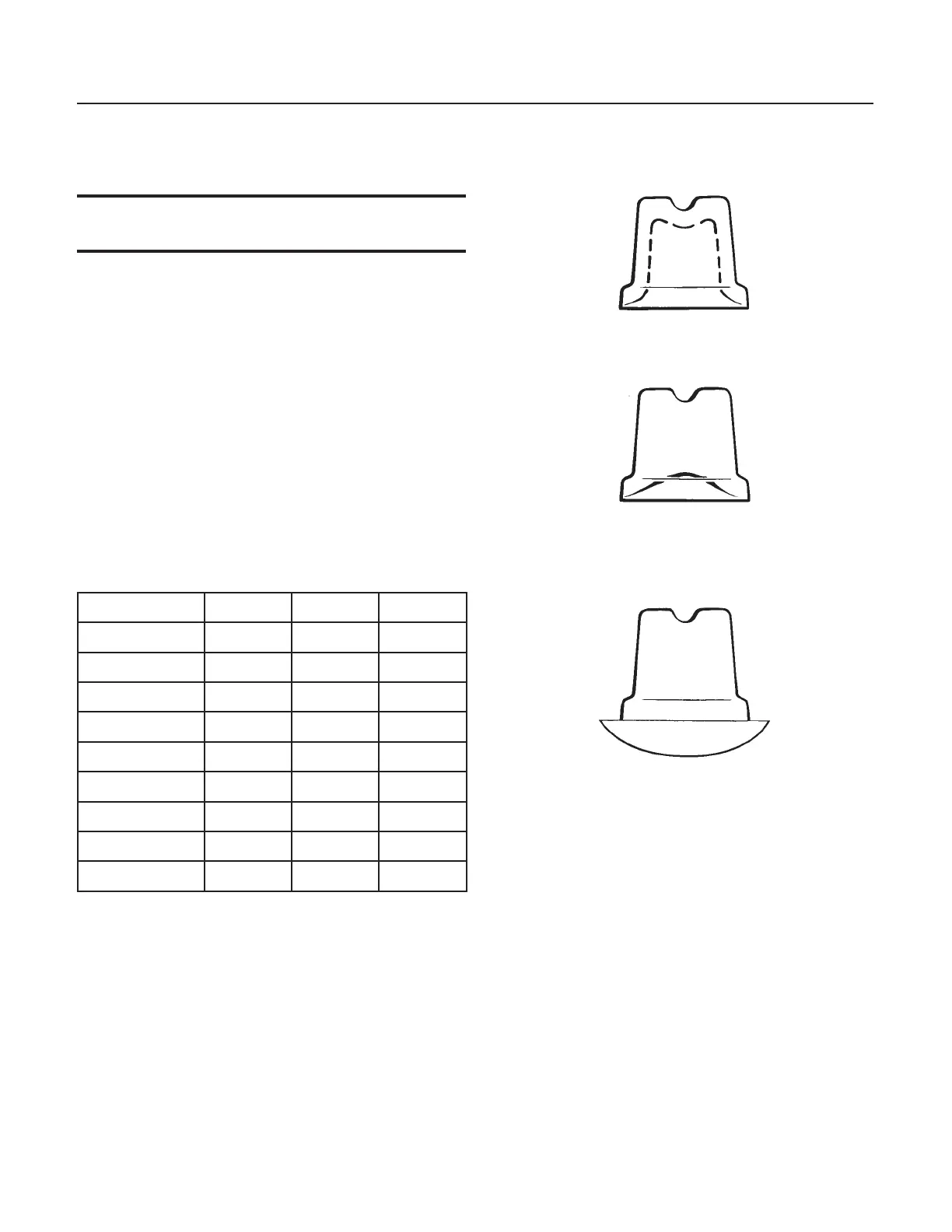
Note: There is only one correct cube size. See the
illustrations.
To adjust cube size:
1. Shut the machine off: If it’s off on bin full press
and release the On/Off button once, switching the
Ice Making light off. If the machine is making ice
hold the On/Off button in until the Ice Making light
is off.
2. Press and hold the Clean button for 5 seconds
(light on), then release (light out)
3. Push and release the On/Off button.
4. View the lights. Compare to the table below.
Cube Size Change Table
On/Off Water Clean
Default off off off
Add 1 minute on off off
Add 2 minutes off on off
Add 3 minutes off off on
Add 4 minutes on on on
- 1 minute ash off off
- 2 minutes off ash off
- 3 minutes off off ash
- 4 minutes ash ash ash
5. Select the amount of change.
6. Push and release the On/Off button until the
correct light pattern is displayed.
7. Push and release the Clean button to select
that setting.
8. Push and release On/Off to return to ice making.
Side Views of Cubes
Too Small, Adjust Cycle Longer
Just Right
Too Large, Adjust Cycle Shorter



 To Next Page