ScreenBeam
®
|
1100 Plus
Displaying with a connected HDMI cable
While most users will be able to connect to ScreenBeam wirelessly
using their native application, there may be the occasional user that
will prefer to use a wired HDMI connection and ScreenBeam can
even support those users.
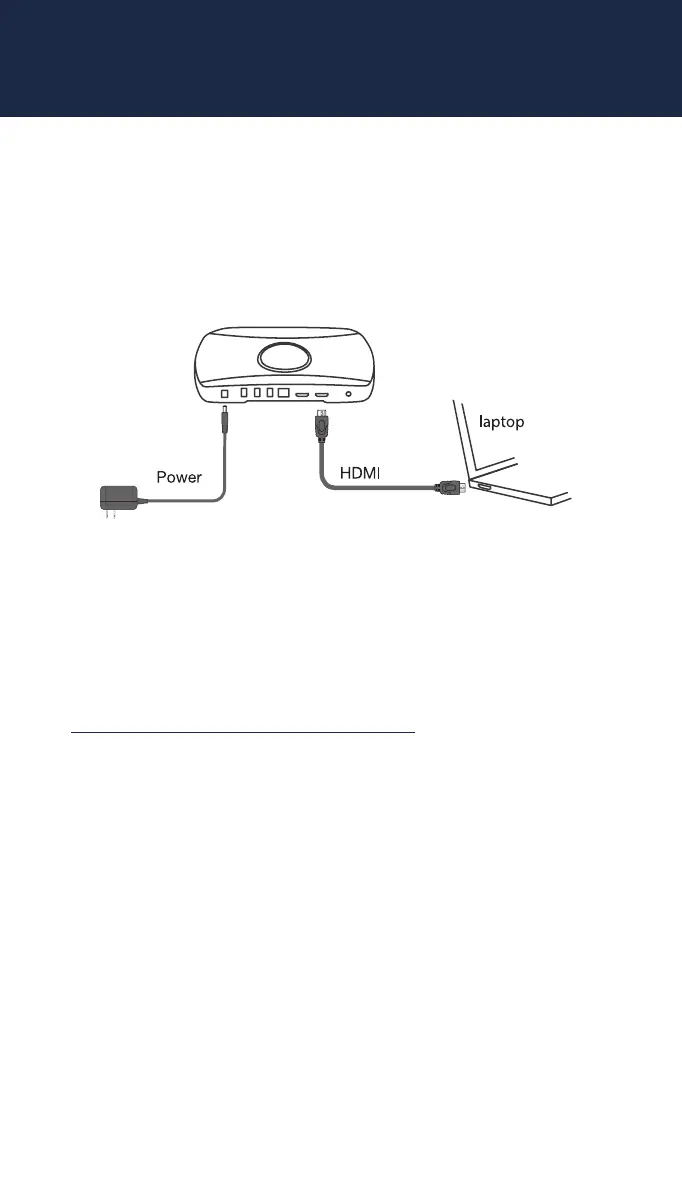
To connect with an HDMI cable, simply plug the HDMI cable into
the users HDMI output port. ScreenBeam will automatically display
the users screen. See the Deployment Guide for more information
on how the hardwired connection works when a wireless session is
already active. You can find the deployment guide here:
https://support.screenbeam.com/1100plus
screenbeam.com | 11



 To Next Page