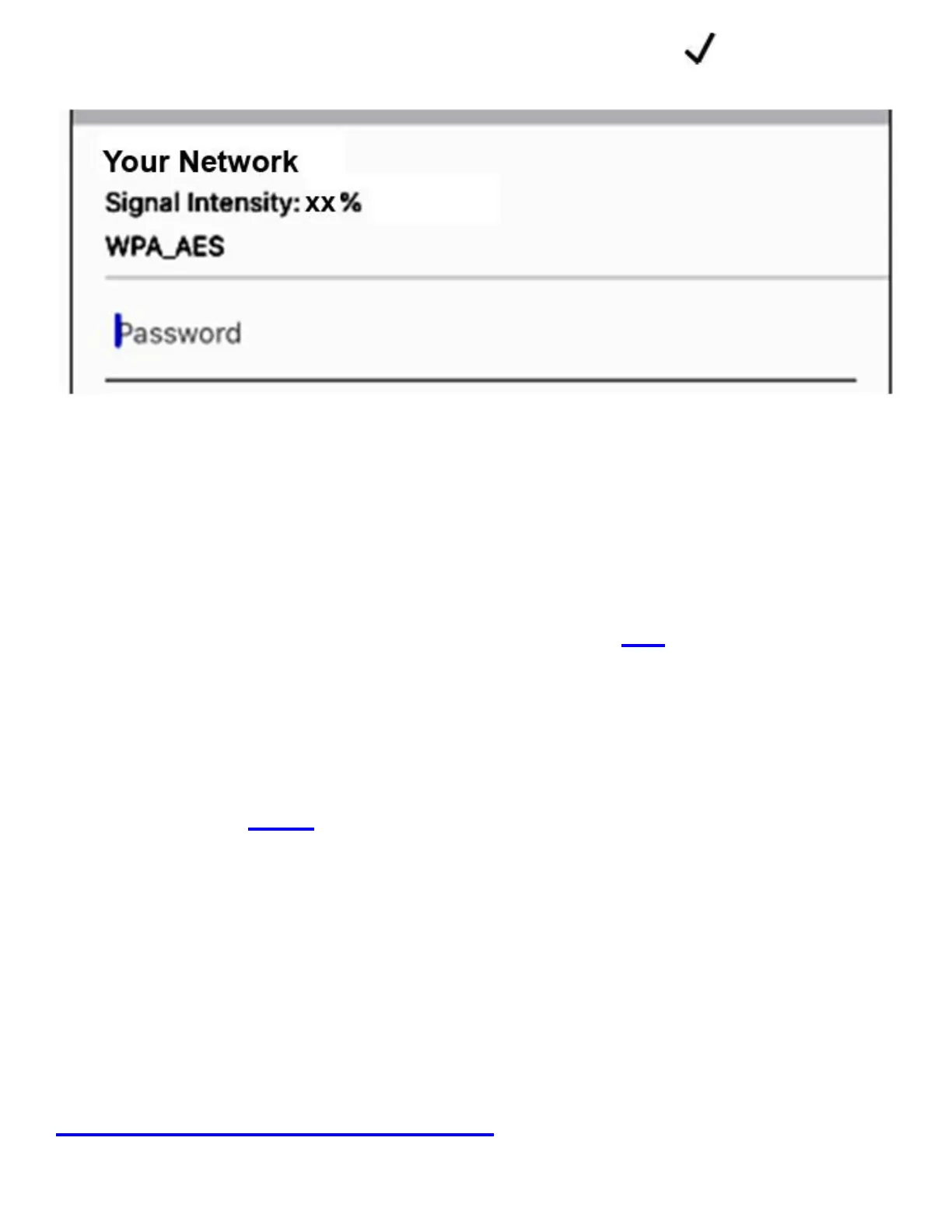
15. Input your WiFi PW and hit OK:
The set-up is done. If done correctly, the
camera will be ‘on-line’, after about 30 sec.
Also the camera SSID from step #5 will
disappear and green LED light will turn solid.
If it fails, it’s most likely due to the wrong WiFi
PW at step#15. If your WiFi PW contains any
special characters, please change to Alpha-
numeric only.
For other set-up problems, please see:
Trouble Shoot Guide #1.



 To Next Page