SD CodeFree™ BLOOD GLUCOSE MONITORING SYSTEM
34
Control Solution Test
STEP-2:
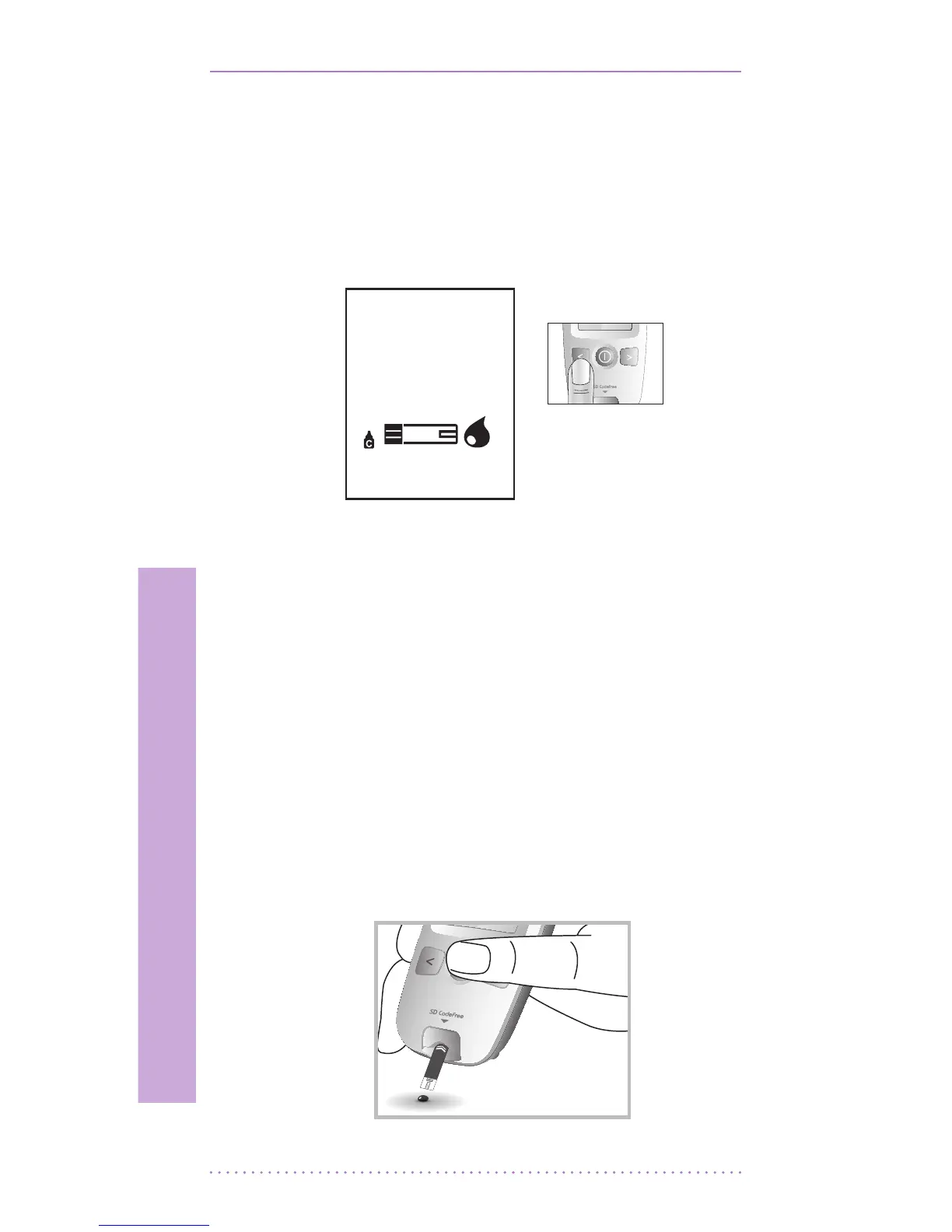
1) Press the left button for 3 seconds to check
the testing system using a control solution
in Blood Stand-by Display. If you don’t
want a control solution check, press the left
button again.
2) Shake the control solution container and
discard the rst drop of solution. Gently
squeeze the container to form one small
drop. Bring the drop to the edge of the strip,
and allow the strip to automatically draw
the control solution into the yellow window.
When control solution is applied to the test
strip, the meter counts down from 5 to 1
second on the display. Tightly replace the
cap on control solution.
3) The control solution result appears on the
display in just 5 seconds.
[ Left
button ]


 To Next Page