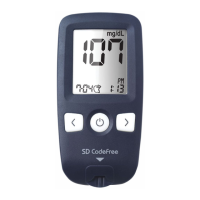
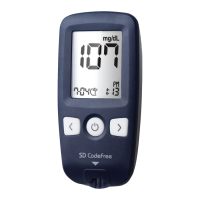
SD CodeFree™ BLOOD GLUCOSE MONITORING SYSTEM
40
Testing Your Blood Sugar
2. Performing a Blood Glucose Test
1) Remove a new test strip from container. Be
sure to tightly replace container cap after
removing test strip.
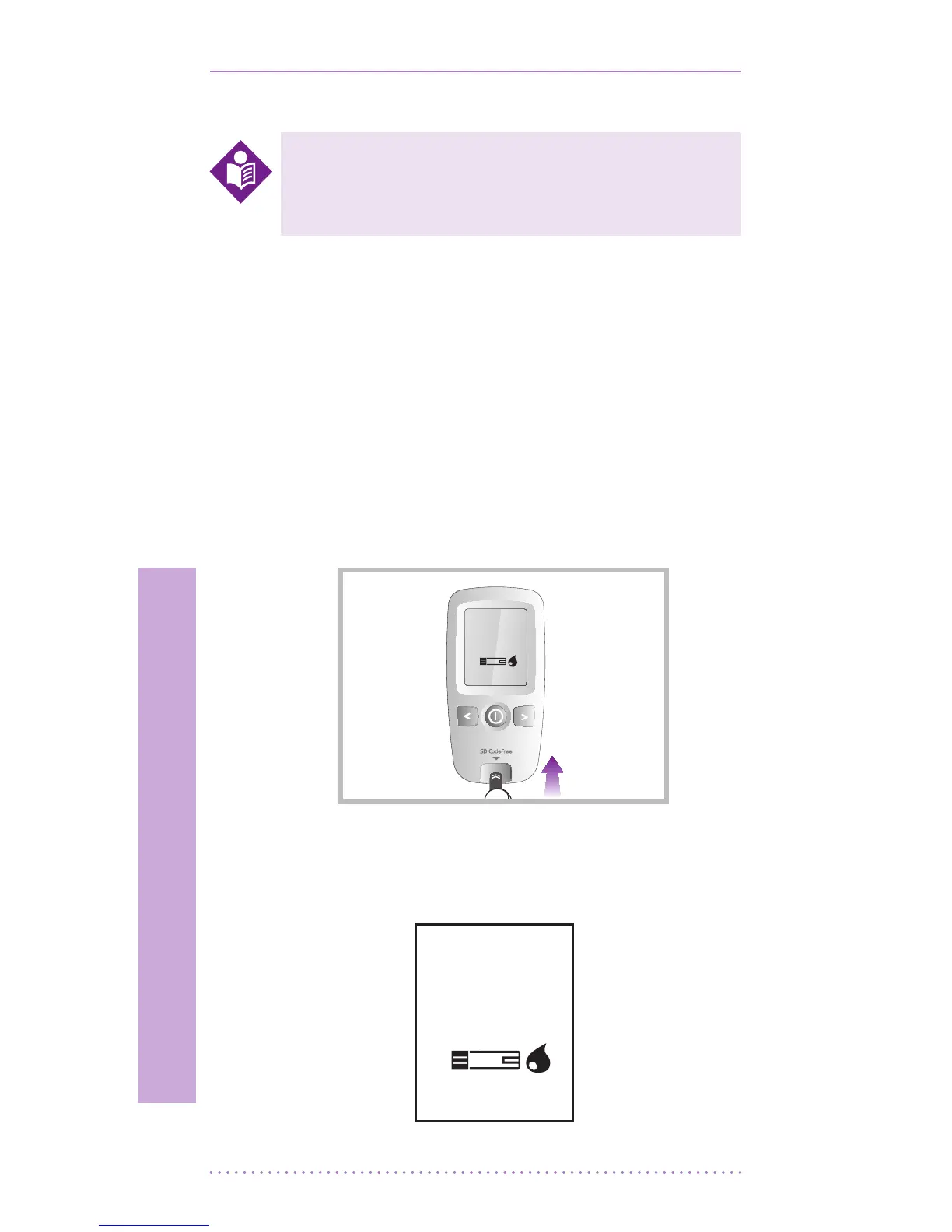
2) The meter turns on by two methods.
First method is that press the ON/OFF
button and second method is that insert
the test strip into test strip slot in power
o state, the meter turns on automatically.
In second case, you don’t need to press the
ON/OFF button of the meter to turn it on.
3) When the blood drop symbol ashes (Blood
Stand-by Display), you are ready to perform
a test.
Always wash hands with warm, soapy
water. Rinse and dry them before
testing.
NOTE


 To Next Page