HotFind-D Infrared Camera Operation Manual
25
5 SDS HotFind-D Operation Examples
5.1 Insert Batteries:
When the user uses SDS HotFind-D IR camera for the first time, the
battery may be in low status. The user can charge the battery with the
special charger. (Specific introduction referred to Battery System).
⑴Insert battery:Hold the knob and take off the battery compartment
cover, put the battery into the compartment and push it to the bottom,
and then close the compartment cover.
⑵ Take out the battery: take off the cover and push the battery in a
opposite direction.
5.2 Startup
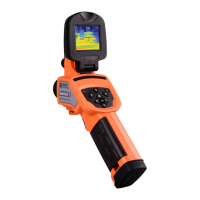
Press the Power switch key and hold it on about 3 seconds to start
the IR camera, and the image of SDS logo with color ribbons is displayed
in the screen as below. It means the camera is starting up.
After 30 seconds, the temperature and color scale are displayed on
the right; a status bar is displayed on the down corner. Now the IR
camera has completed the startup.


 To Next Page