IDS701 User Manual
Page 22 of 25
input added weight or
input weight exceed
max capacity.
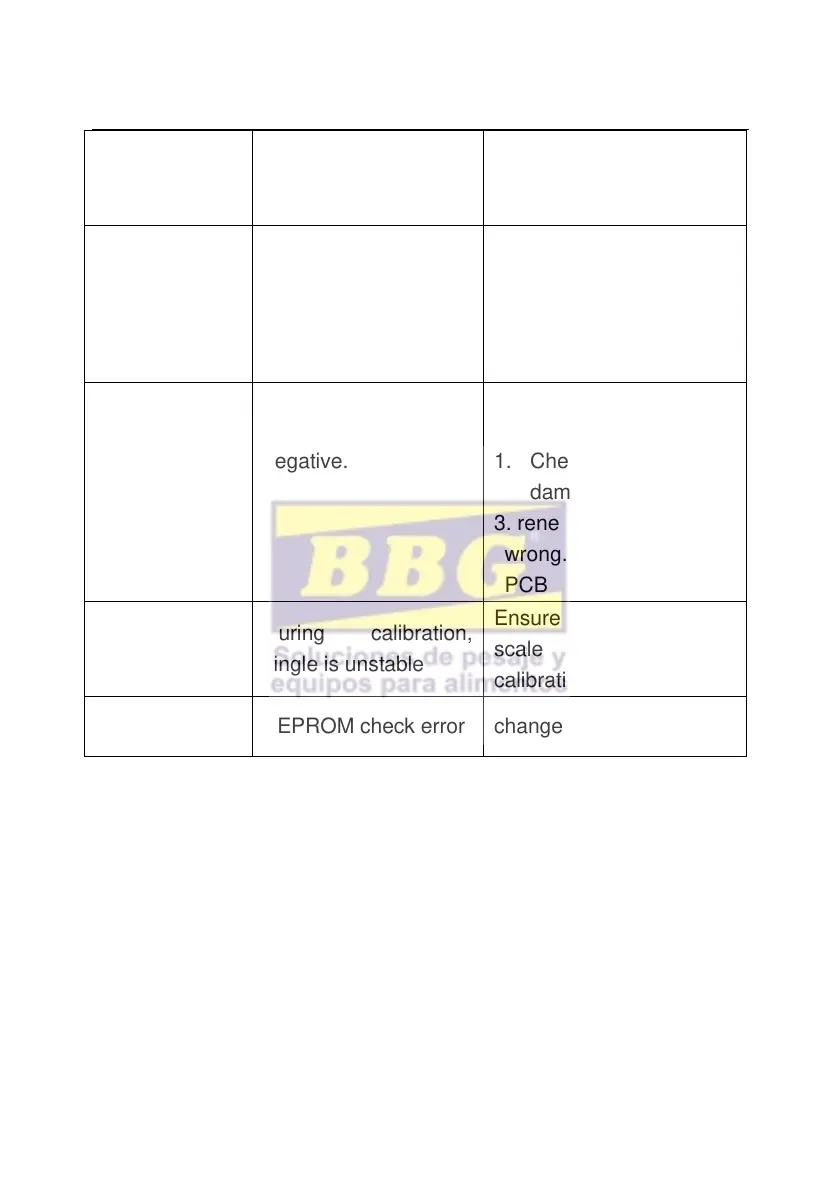
during calibration, the
added weights not
enough
Added weight at least
10%of Max. capacity,
Recommend the weights
is 60-80% the Max.
capacity
during calibration,
input single is
negative.
1..Check connection is
correct or not.
1. Check load cell is
damaged or not.
3. renew calibration, if still
wrong. pls replace the
PCB
During calibration,
single is unstable
Ensure added weight and
scale is stable, start
calibration
6.2 Daily maintenance
1. In order to ensure indicator display clearly and prolong use life,
the indicator should not be placed directly on sunlight.
2. Load cell and indicator should be well connected , the system
should have a good ground, away from strong electric field, magnetic
field.
3. Do not use indicator outside in rainy, better keep it power off.
4. Power off firstly while plug and unplug



 To Next Page