EasyManua.ls Logo

SDS IDS701 - Restore default parameters

Default Icon
26 pages
Print Icon
To Next Page IconTo Next Page
To Previous Page IconTo Previous Page
Loading...
IDS701 User Manual
Page 23 of 25
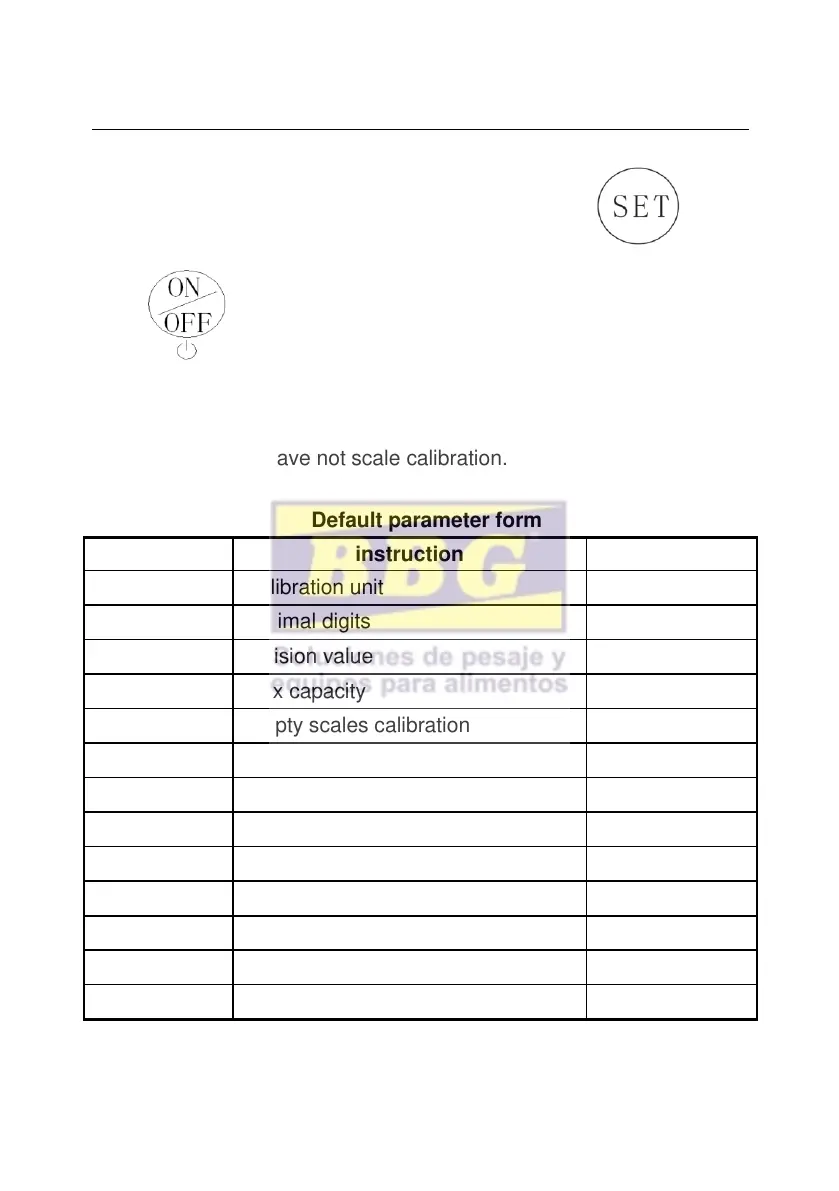
6.3 Restore default parameters
Enter setting menu, set C07= 1,press then
press exit saving setting, all parameters will be back to
default setting.
NotePls. do not restore default parameter easily if you are not
professional and have not scale calibration.
Default parameter form
parameter
instruction
Default value
C01
Calibration unit
1
C02
decimal digits
0
C03
Division value
1
C04
Max capacity
10000
C05
Empty scales calibration
0
C06
Capacity calibration
0
C07
restore the default parameters
0
C08
Warning tone
1
C09
Automatic power off
0
C10
Power saving mode
0
C11
Hold function
0
C12
Animal weighing mode
0
C13
Upper limit warning
000000