SD-MA-031
8
4.2.4. Multiple Video Walls
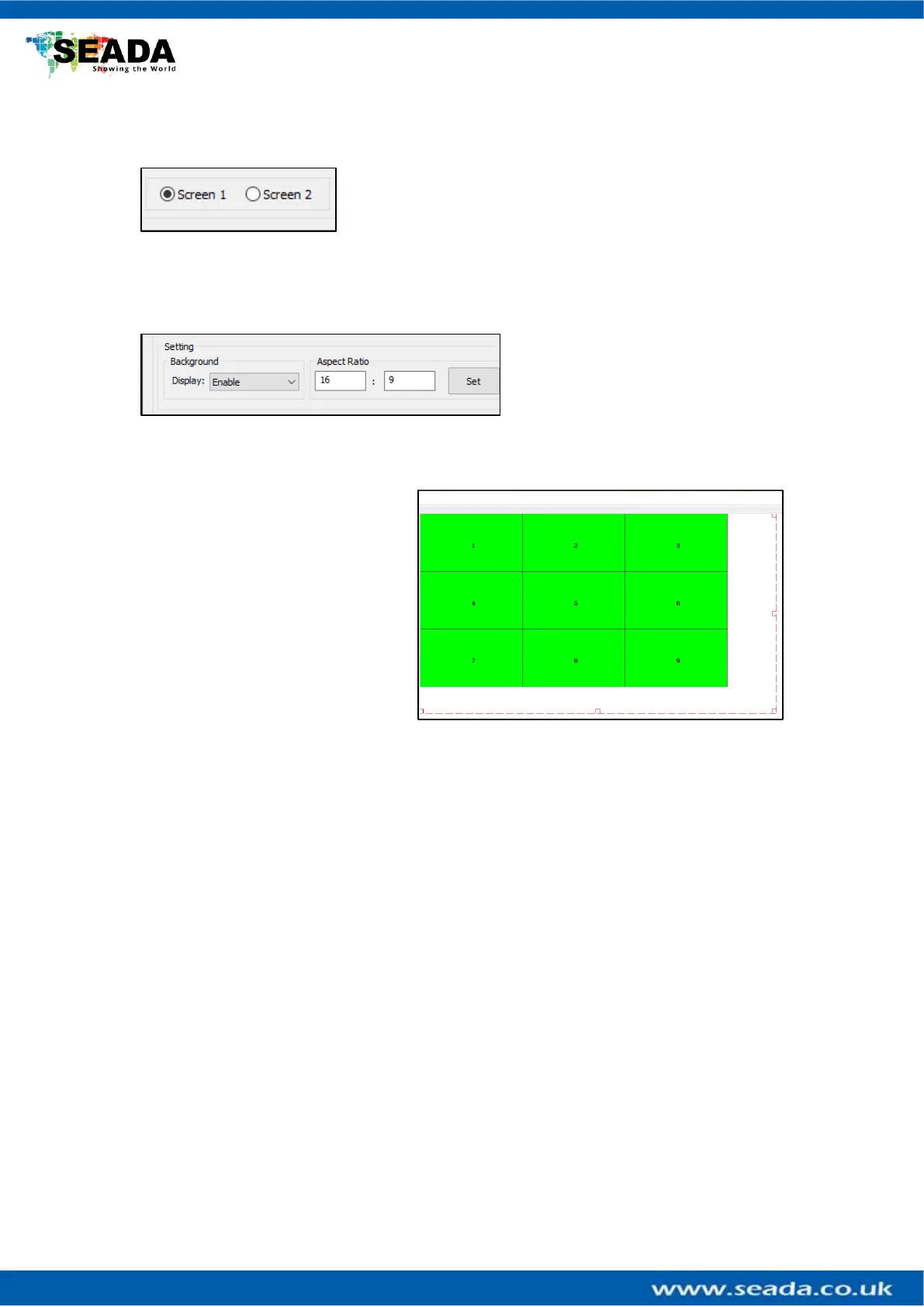
GM9 supports up to two video walls per unit, users will be
able to switch between the two video walls from the buttons
under the Video Wall Area. Any changes you make are going to
be saved to that video wall only.
4.2.5 Aspect Ratio
Users can manipulate the aspect ratio
of video onto vidoe wall by enabling
the Display option from the
Background menu. This will create a
dotted outline around the video wall, which users can control by resizing. Just enter the
Aspect Ratio and click Set.
If you want to resize the input just
select it until the highlight turns red
and drag from the corner. You can
move the outline around so that you
can see a specific area of your input
on video wall.



 To Next Page