Website: www.seada.co.uk 21/23 E-mail: sales@seada.co.uk
③ Press the Key 1, the event of Num 2 will be executed, and then press Key 1 again, the event of
Num 4 will be executed.
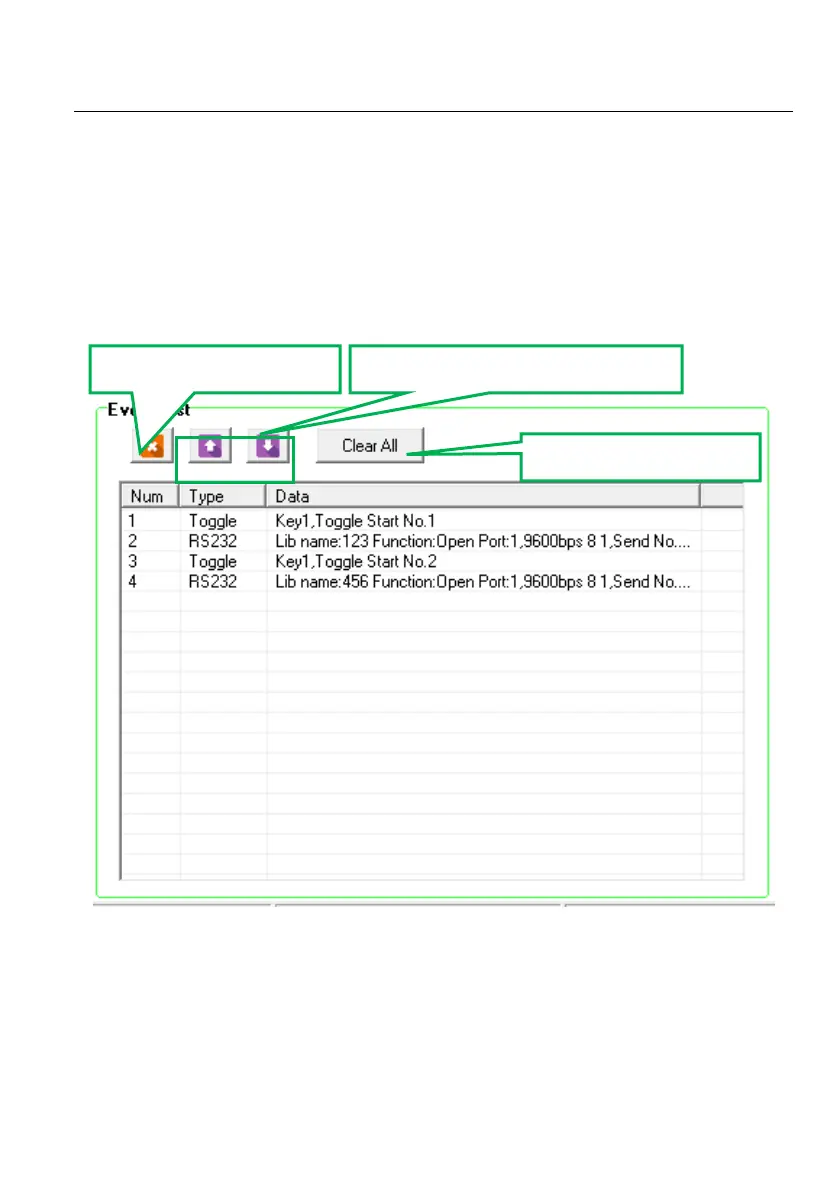
4.5 Event List
The event list shows all events of the selected action. The executing priority abides by the serial
number, see the picture below. If there is an event execute incorrectly, all the events behind it will
not be executed.



 To Next Page