13Revision 2.EL950 1.3.1074C 18.6
DISPLAY
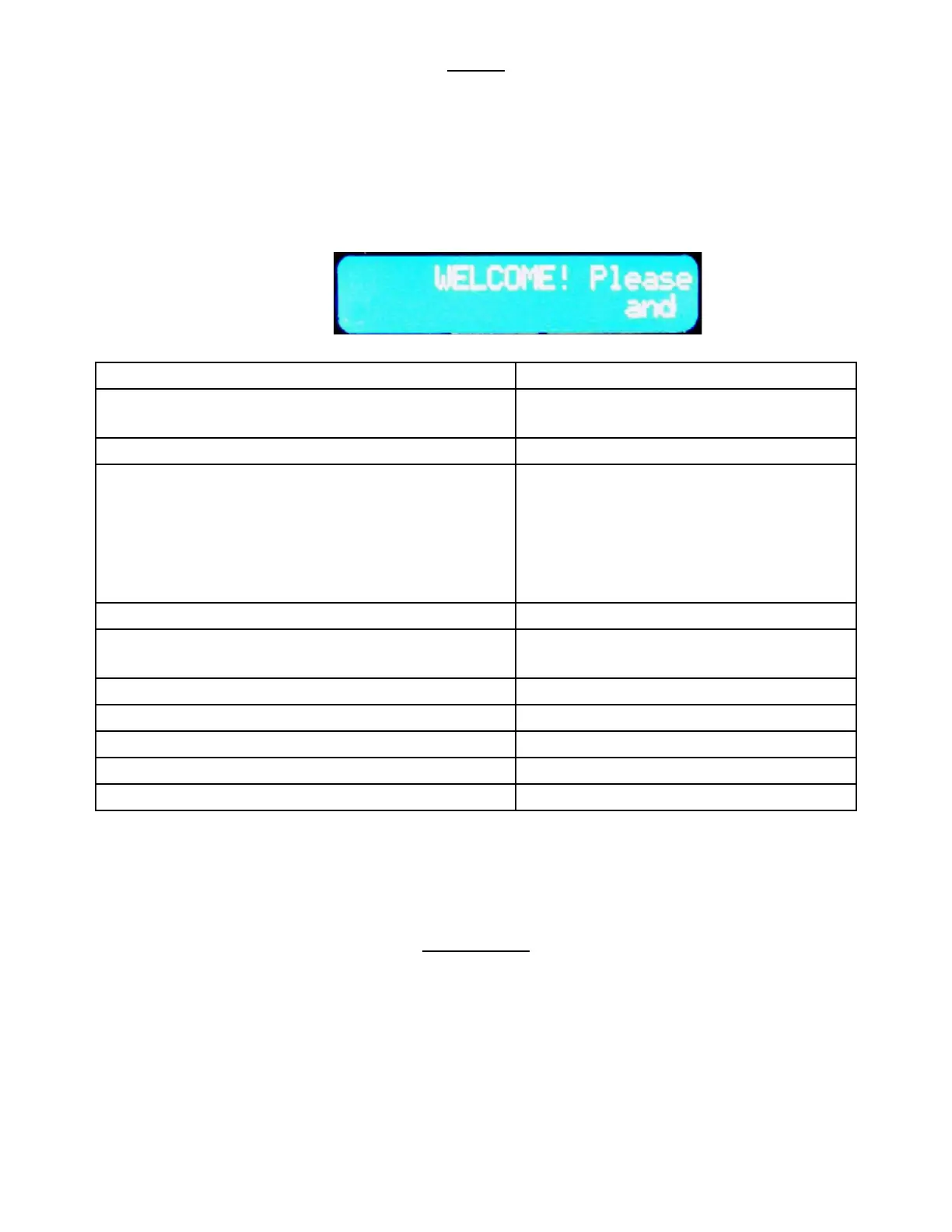
The LCD Display (Fig. 9) is a two line, 20 character text display panel located on the front of your vending
machine. The display interacts with the customer to show the amount of money entered into the vendor
and the cost of their selecon among other informaon as programmed. The display also shows the
operator the Service Mode funcons for seng the vendor.
Fig. 9 – LCD Display in Sales Mode
Date and Time are always displayed on the second line in Sales Mode. If a calorie value is set for a
selecon, the value will be displayed when the product is vended or when a selecon is made without
any credit.
SERVICE MODE
The operaon of the machine can be adjusted by entering service mode by pressing the MENUS buon
on the VMC circuit board and then accessing the appropriate operaon. Price seng, audit display and
operang modes can be read and adjusted from here. The user can also perform tests on the machine
through this mode. Note: any Credit will be cancelled on entry to Service Mode.
Normal Operaon, no credit available WELCOME Please insert cash and make
your selecon..;
Normal Operaon, some credit available $00.01 – 99.99
Aer Pressing a selecon, if there is no credit or the
credit is less than the selecon’s price, the price of
the selecon is displayed for a few seconds before
reverng to one of the above credit display formats.
(If a coin or other payment is made the display re-
verts immediately to display the credit available)
Price $00.01 – 99.99
Free Vend Mode (all prices set to zero) Free Vend
If a selecon is out of stock when a selecon is
pressed – this is displayed for a few seconds
Sold Out
All Items out of stock Sold Out
Machine Out Of Order Out of Order
During a Vend (Progress bar, dashes) --------------
Exact Change required Exact Change Only
Temperature Display Press the # buon to display Temp nnF (C)










 To Next Page