50Revision 2.EL950 1.3.1074C 18.6
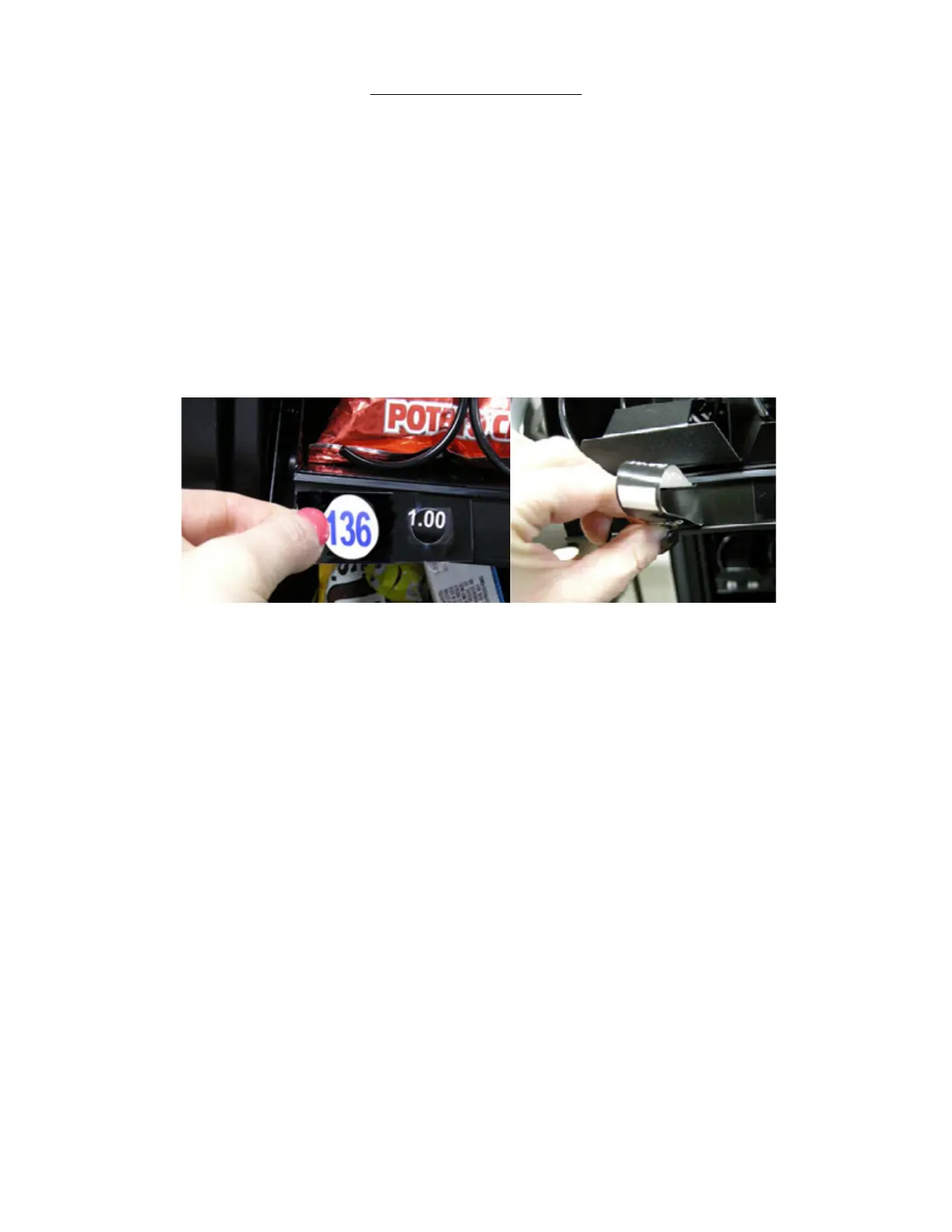
REPLACE THE PRICE SCROLL
that the word “STOP” showing in the price display is an indicaon that you should stop rotang the
scroll as the end has been reached. Should the scroll end become disengaged from the tray, simply remove
the Selecon Label and reinsert the scroll end. Rotate the scroll to the proper posion and replace the
Selecon Label.
Blank white squares are available on the price scrolls just before the STOP indicator for custom pricing.
Reinsert price scrollRemove Selection Label










 To Next Page