Managing the Seagate Dashboard Software Viewing the Seagate Dashboard Log
Seagate Dashboard User Guide 36
Viewing the Seagate Dashboard Log
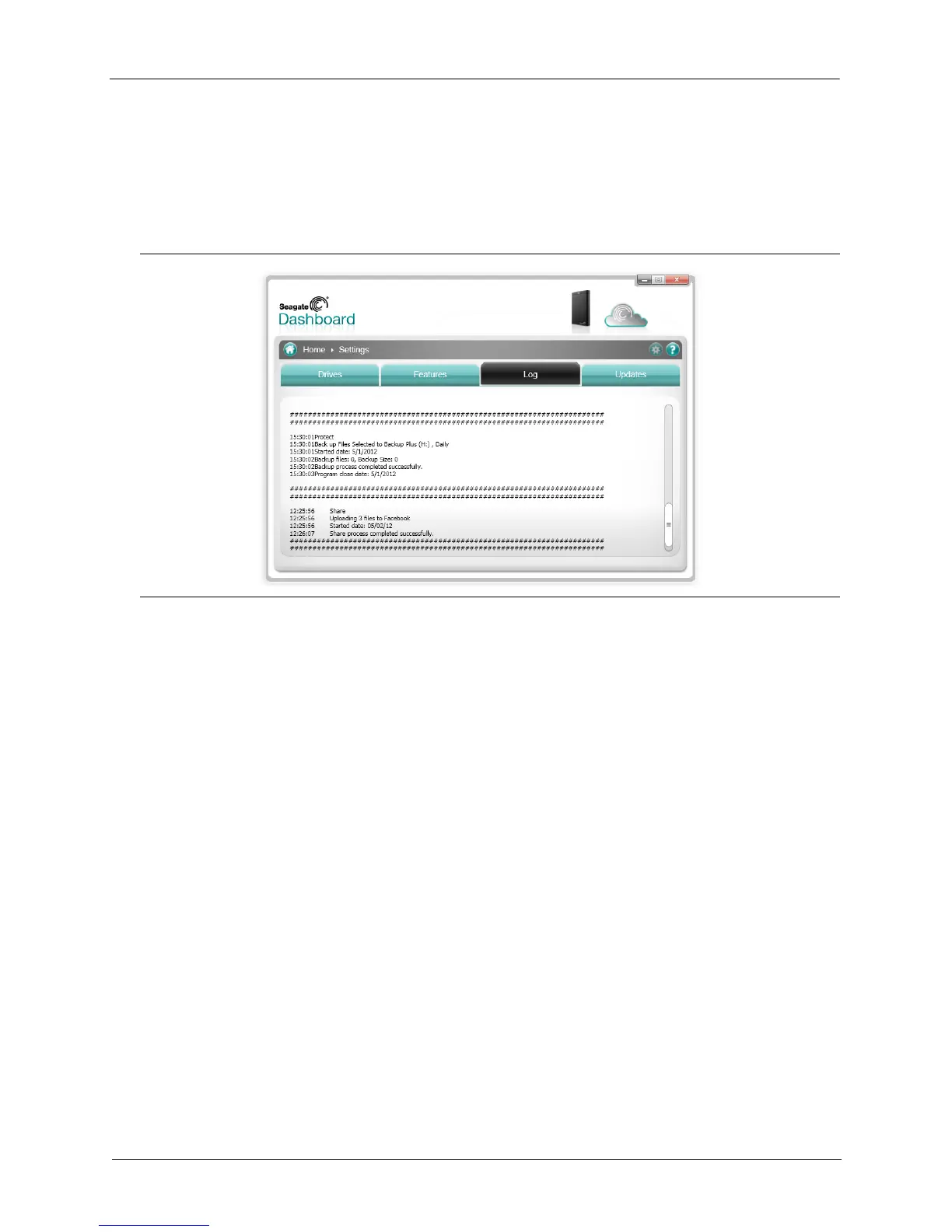
Whenever Seagate Dashboard completes an operation, such as executing a backup plan, or
transferring files to or from your social media networks, it records information in its log. Click
the Log tab to display the contents of the Seagate Dashboard log.
In the Seagate Dashboard log, you can see when files were backed up, whether the backup
plan completed successfully, and how much data was backed up. If Seagate Dashboard
shares or saves media from your social media networks, information about when the files
were transferred appears in the log.
Figure 29: Seagate Dashboard Log Tab











 To Next Page