EXTRA 300S INSTRUCTION MANUAL
13
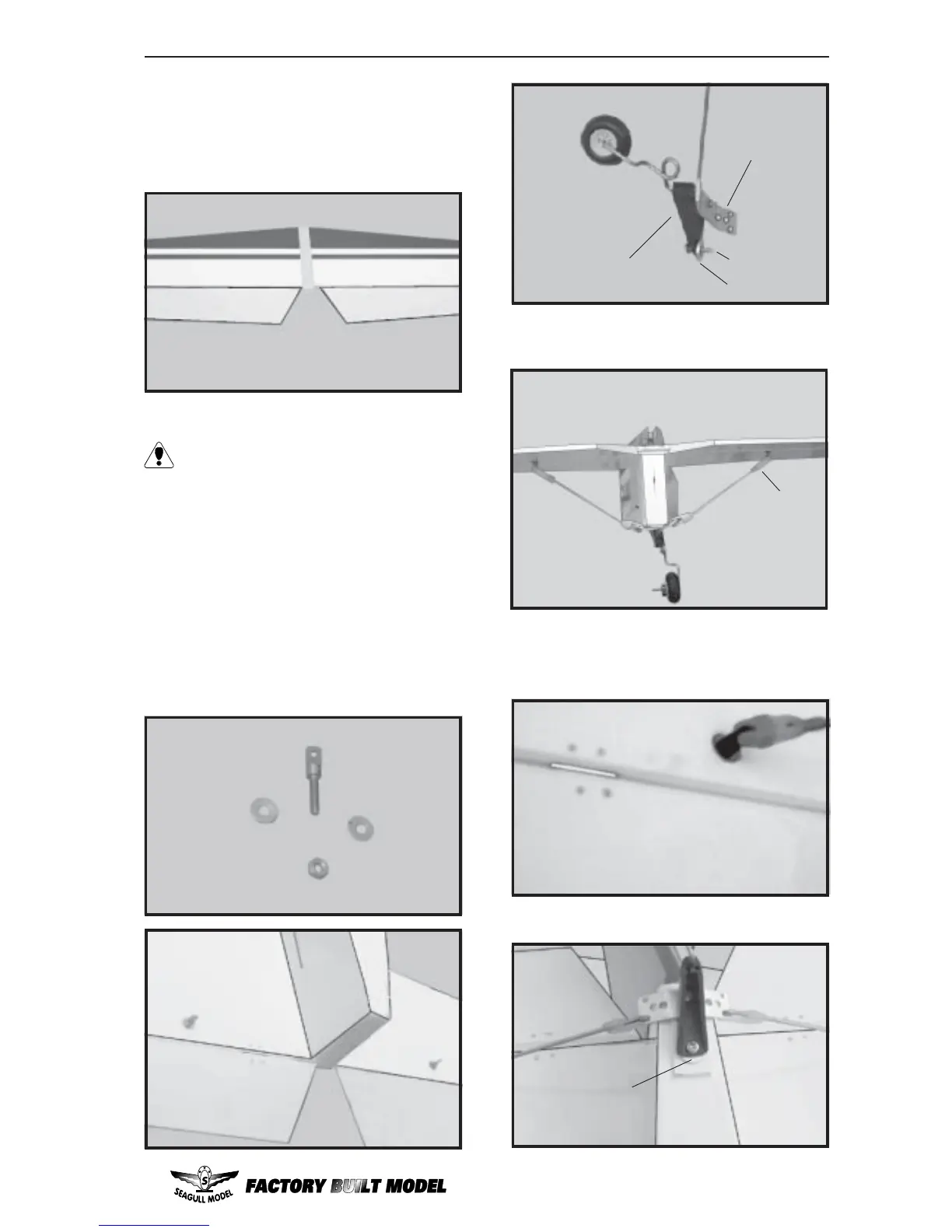
! 4) Remove the stabilizer. Using the lines
you just drew as a guide, carefully remove the
covering from between them using a model-
ing knife.
When cutting through the covering to re-
move it, cut with only enough pressure
to only cut through the covering itself. Cut-
ting into the balsa structure may weaken it.
! 5) Using a modeling knife, carefully re-
move the covering that overlaps the stabilizer
mounting platform sides in the fuselage. Re-
move the covering from both the top and the
bottom of the platform sides.
! 6) Installed the horizontal strut ( support
system). See pictures bellow.
Washer.
Remove covering
Tail gear
alumium plate
washer
3MM x 12MM
Clevis



 To Next Page