OPERATION
MANUAL
Product: Document #: Rev: Page:
SEAKEEPER 3 90379 1 2 of 10
Section 2: SYSTEM OPERATION
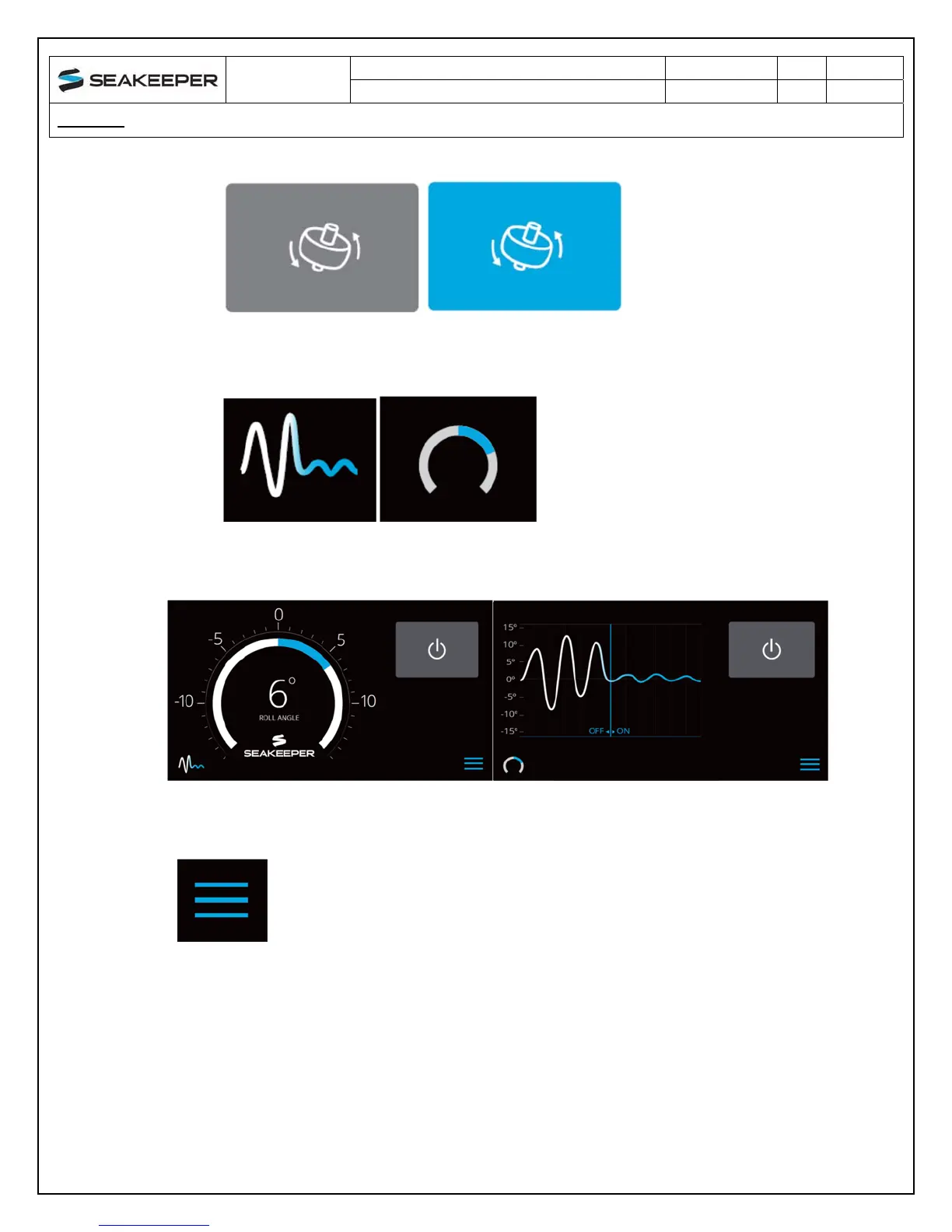
Seakeeper Stabilize On/Off. The button will change from grey (Stabilize Off) to
blue (Stabilize On)
Home screen view. These buttons toggle home screen between the Roll Angle
Gauge and the Roll Angle Graph as shown below.
4) When the menu button is pressed, the menu bar will appear or disappear at the bottom
of the screen.



 To Next Page