OPERATION
MANUAL
Product: Document #: Rev: Page:
SEAKEEPER 3 90379 1 3 of 10
Section 2: SYSTEM OPERATION
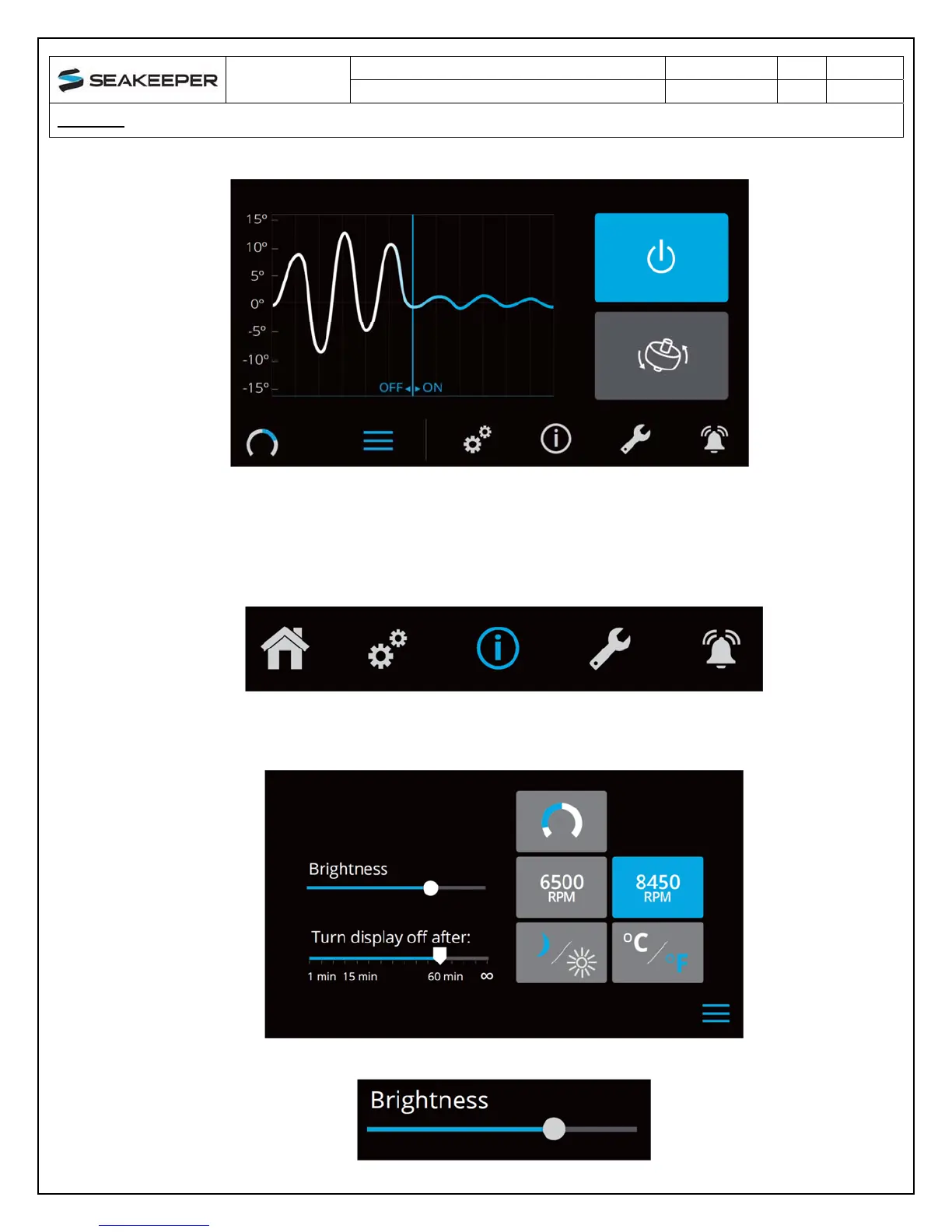
The menu bar is used to navigate between pages. From left to right, the available pages
are home, settings, information, service and alarm history. The selected page is
highlighted in blue on the menu bar.
5) The settings page allows the user adjust the following;
Increase or decrease the brightness of the display with the brightness slider.



 To Next Page