OPERATION
MANUAL
Product: Document #: Rev: Page:
SEAKEEPER 6 90403 1 1 of 6
Section 2: SYSTEM OPERATION
2.0 Introduction
This section describes operation of the Seakeeper 6 system.
2.1 Display Screens: Overview
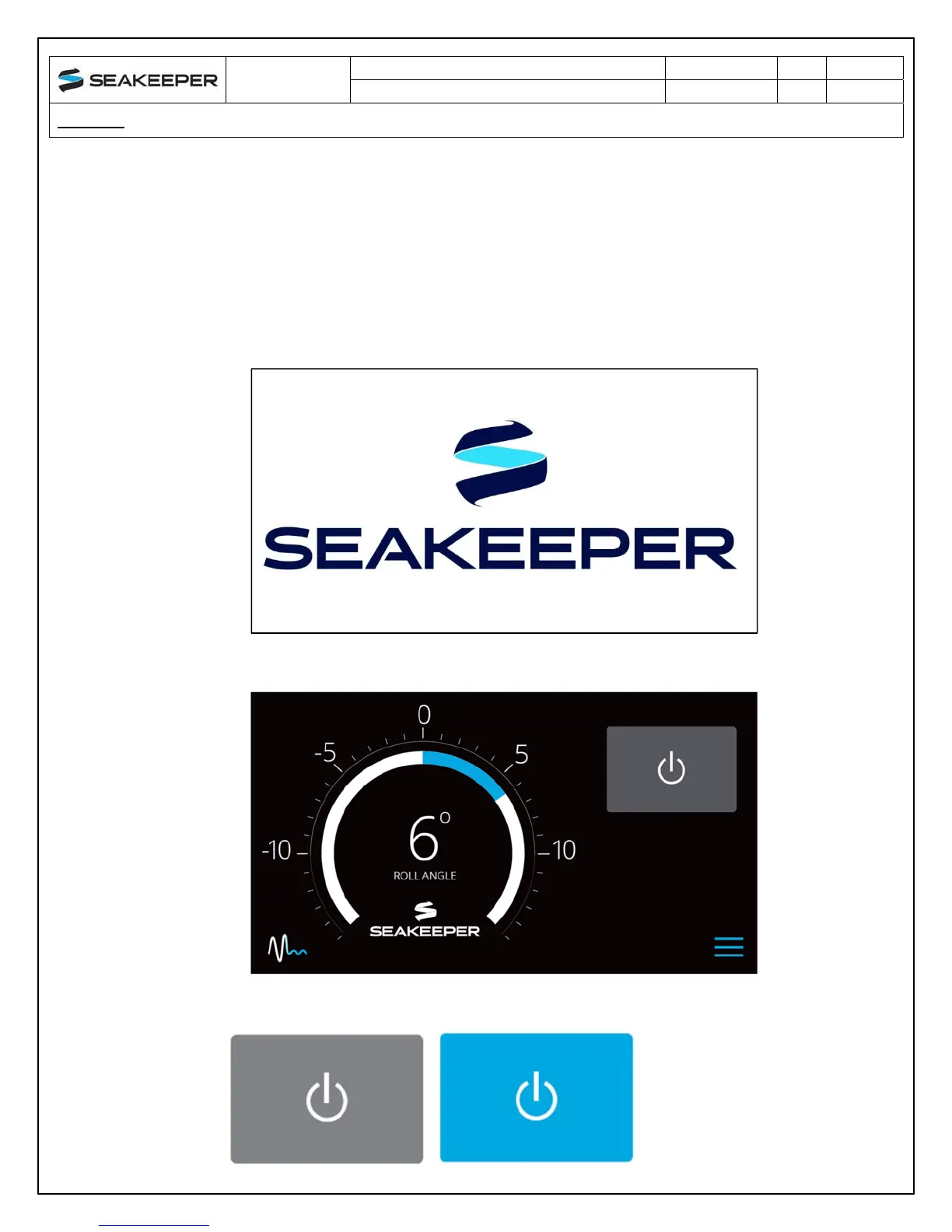
1) When 12 VDC power is applied to the Seakeeper, the display will power up and initialize.
The splash screen will be displayed.
2) After the display has initialized, the home screen will be displayed.
3) The display uses a touch screen to allow users to select functions.


 To Next Page