OPERATION
MANUAL
Product: Document #: Rev: Page:
SEAKEEPER 6 90403 1 4 of 4
Section 3: POWER FAILURES, ALARMS, AND TROUBLESHOOTING
3.5 Alarm and Warning History
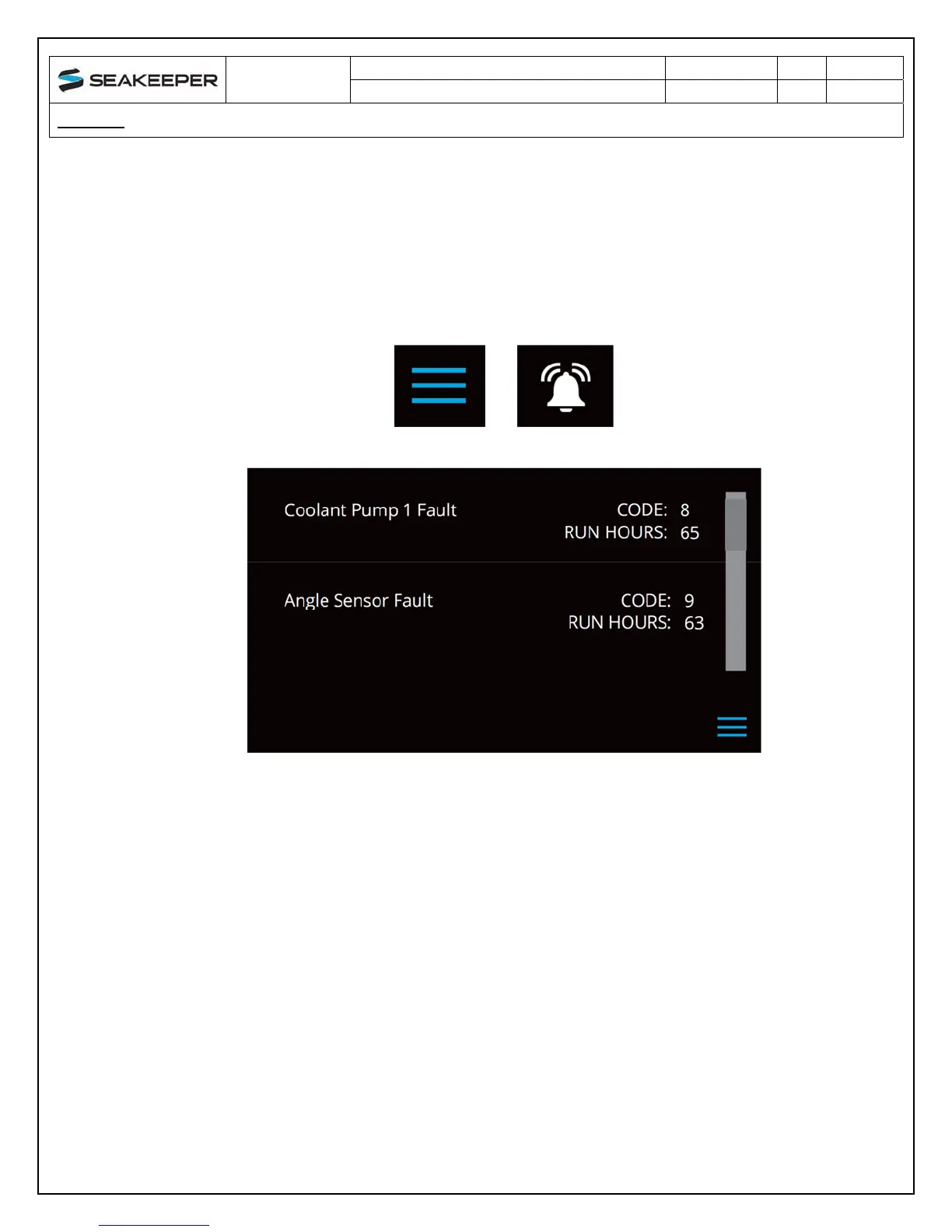
The alarm history page on the Display shows the recent alarms and warnings. The alarms are
in chronological order starting with the most recent. Warnings included in the history page are
for issues that do not affect Seakeeper operation.
1) Press the menu button then select the alarm history screen.


 To Next Page