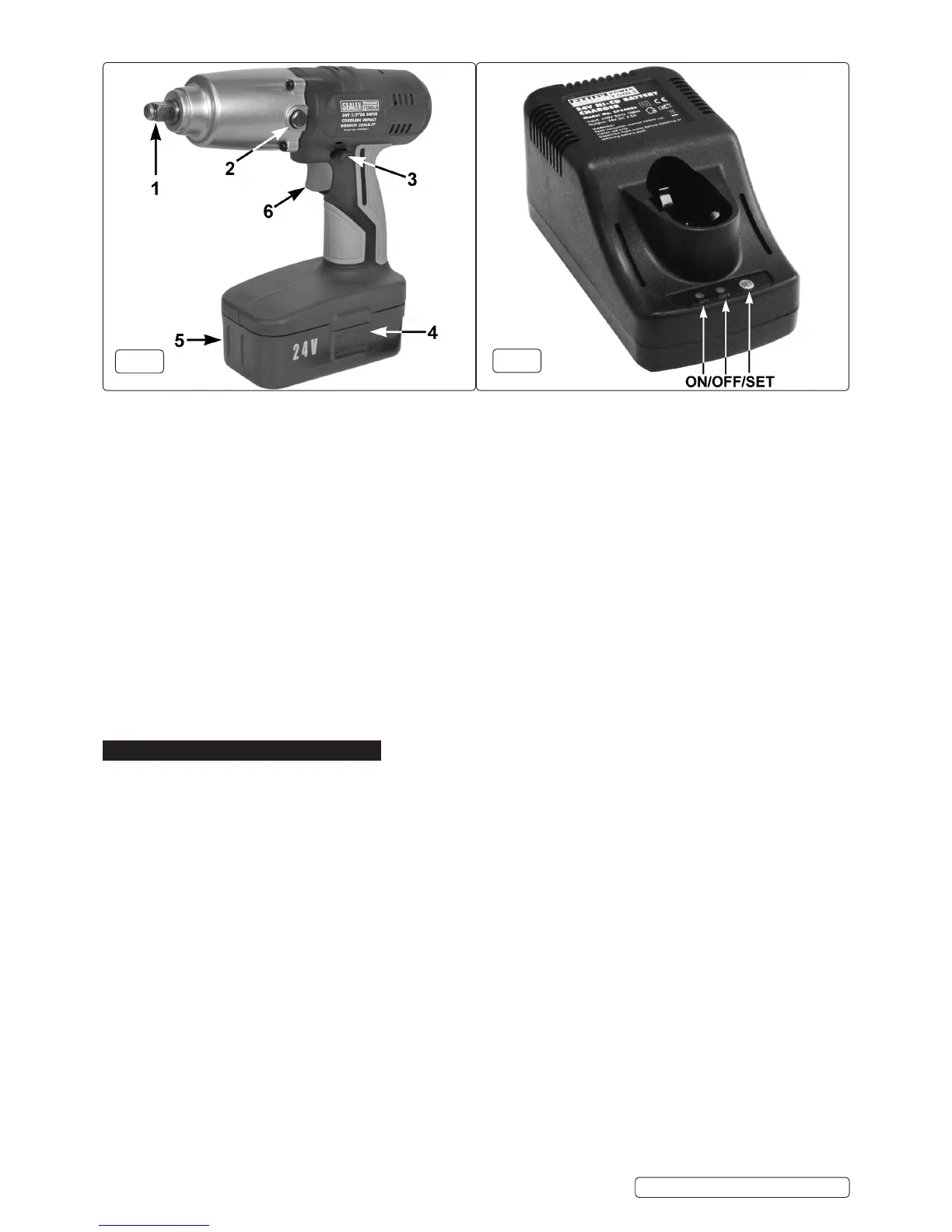
g.1
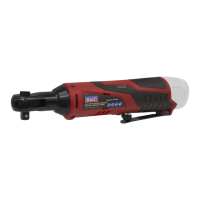
g.2
NOTE: The battery pack is designed so that it will only enter the charger unit the correct way. When placed in the charger, a very
slightdownwardpressurewillseatthepackrmlyintothepowerterminals.
4.1.4. SwitchonmainsupplytochargerandtheGreenLED(g.2)willlight.Press“SET”tobeginchargingandtheRedLEDwilllight.
4.1.5. When the fast charge is complete the red LED will go out and the green LED will light to indicate trickle charging. The battery pack is
now ready for use.
Note: When new, the battery pack will have been shipped in a low charge state. It will take longer to charge initially, and several
subsequent charges may also take a little longer than when the battery pack reaches its optimum performance. Normal charging time
isapproximately1hour.
4.1.6. After removing the battery, disconnect the charger from the mains supply and store it in the carry case.
R WARNING! Ensure that you read, understand and apply the safety instructions before use.
4.2. USING THE WRENCH
4.2.1. Useonlyimpactsocketswhicharespecicallydesignedforusewithanimpactwrench.Theuseofnormalchromevanadiumsockets
is dangerous, since these are more brittle and are liable to shatter.
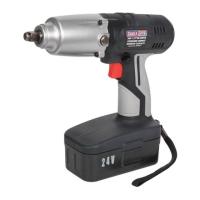
4.2.2. Fitthesockettothewrenchbysnappingitontothesquaredrive(g.1.1).
4.2.3. Fit the battery pack to the wrench by aligning the tongue on the battery with the groove in the housing and slide it into place. Ensure
thatthebatterypackisrmlylocated,youwillhearanaudibleclickwhenithaslockedintoposition.
4.2.4. Selecttherequireddirectionofrotation.Tochangedirection,pushswitch(g.1.3)totheleftorright.Familiariseyourselfwiththis
operation before use. DO NOTattempttochangethedirectionofrotationwhilstthetrigger(g.1.6)isdepressed.
4.2.5. When the wrench is not in use, use the same switch to lock off the trigger by placing the switch in the middle position.
4.2.6. Whentightening,releasethetriggerassoonastheimpactsoundisheard.Takecarenottoover-torquesmallxings.
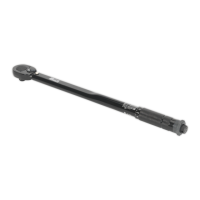
Note: Oncriticalxings,naltighteningshouldbecarriedoutusingatorquewrench,settingitaccordingtotheproductorthevehicle
manufacturer’sspecications.
5. MAINTENANCE
5.1. CLEANING
5.1.1. Keep the outer case of the wrench clean and free from grease. DO NOT wash with water or use solvents or abrasives. Use a damp
cloth.
5.1.2. For any other service or maintenance, contact your authorised service agent.
5.2. LUBRICATION
Ifthewrenchhasnotbeenusedforsometime,removethelubricationscrew(g.1.2)andinjectgreaseintotheimpactmechanism,
DO NOToverll-asmallamounteachtimeshouldbesufcient.
CP2400.V4|Issue2(L)15/04/15
Original Language Version
© Jack Sealey Limited


 To Next Page