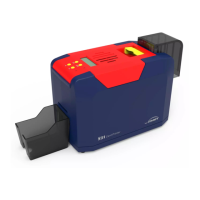
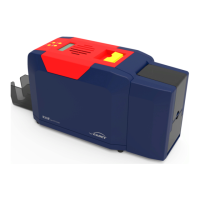
Seaory S22 Desktop Dual-sided Card Printer
Excellent quality, Perfect service
www.seaory.com 41 / 53
8. Print test
8.1 Driver test page
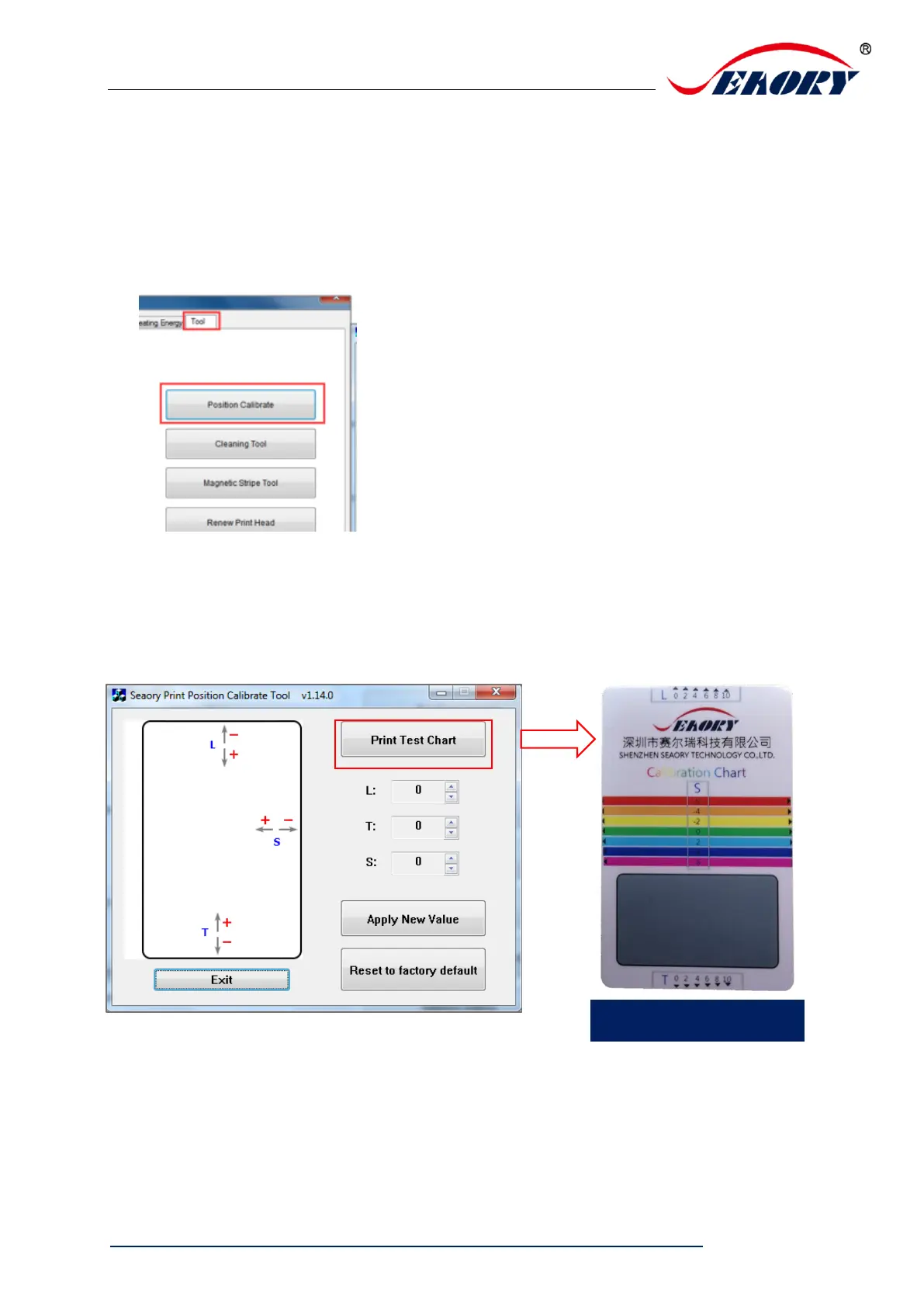
Step 1: open “Printing preferences”, click “Tool”, find and click “Position
calibrate”.
Step 2: Place some white card into input hopper, then click” Print Test
Chart”.
.


 To Next Page