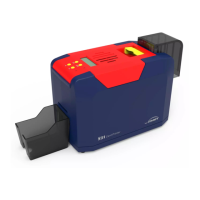
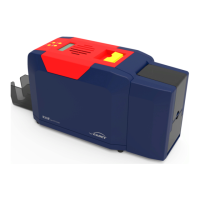
Seaory S22 Desktop Dual-sided Card Printer
Excellent quality, Perfect service
www.seaory.com 3 / 53
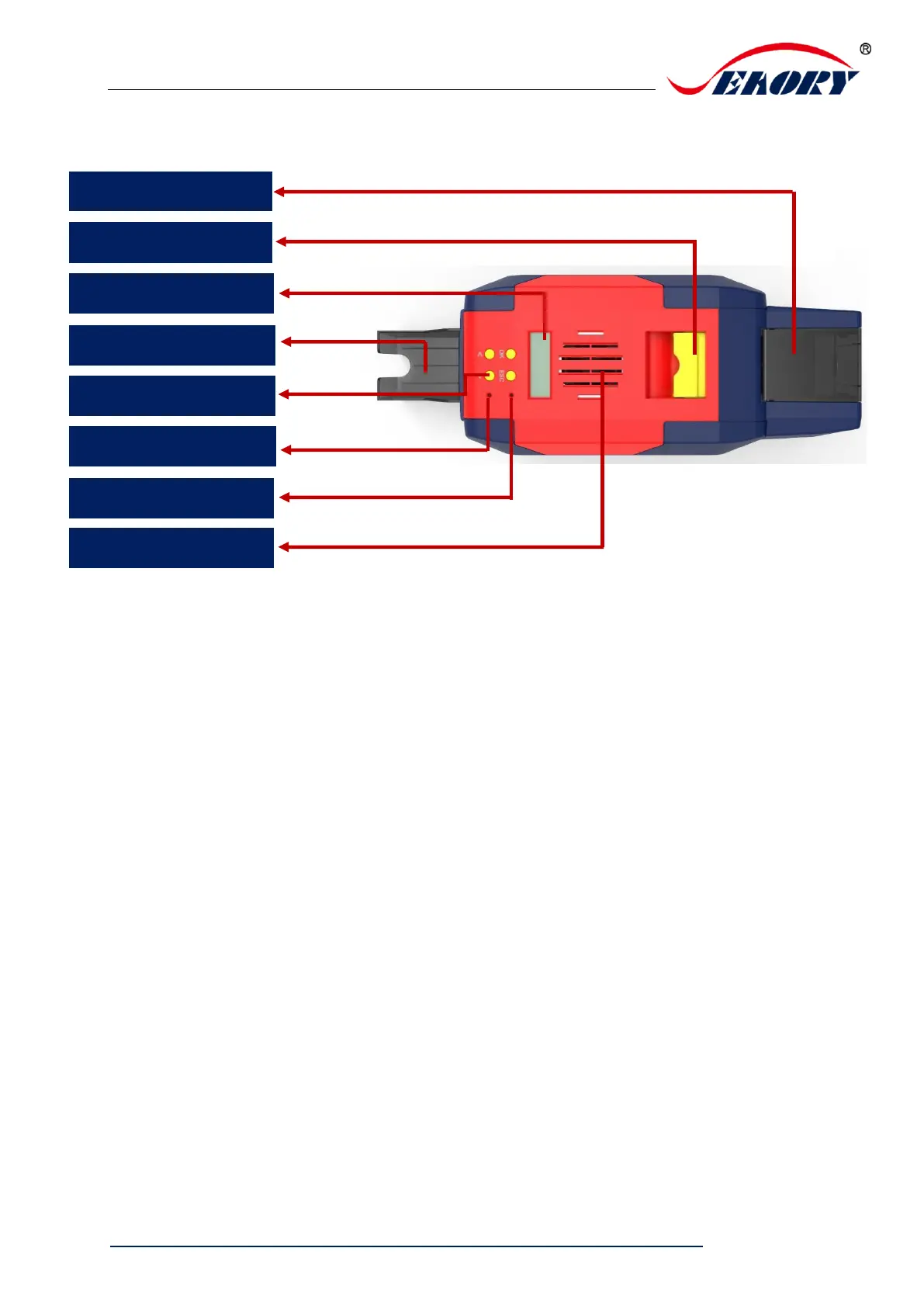
3.2 Roof
Main function description:
(1) Input hopper: Blank cards storage place, 100pcs 0.76mm PVC
cards input capacity.
(2) Output hopper: Printed cards storage place, 50pcs 0.76mm
PVC cards input capacity.
(3) Switch of upper cover: Lift this switch to open the cover.
(4) Control panel buttons: Query and set card printer parameters.
(5) LCM Screen: Display card printer parameters and status.
(6) Air vent: Release the heat generates by card printer and print
head.
(7) Error light: Turns to red when the card printer is not ready or
failure.
(8) Status indicator lamp: Green light indicate the card printer is
working normally.


 To Next Page