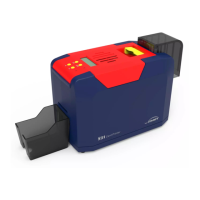
Seaory S22 Desktop Dual-sided Card Printer
Excellent quality, Perfect service
www.seaory.com 42 / 53
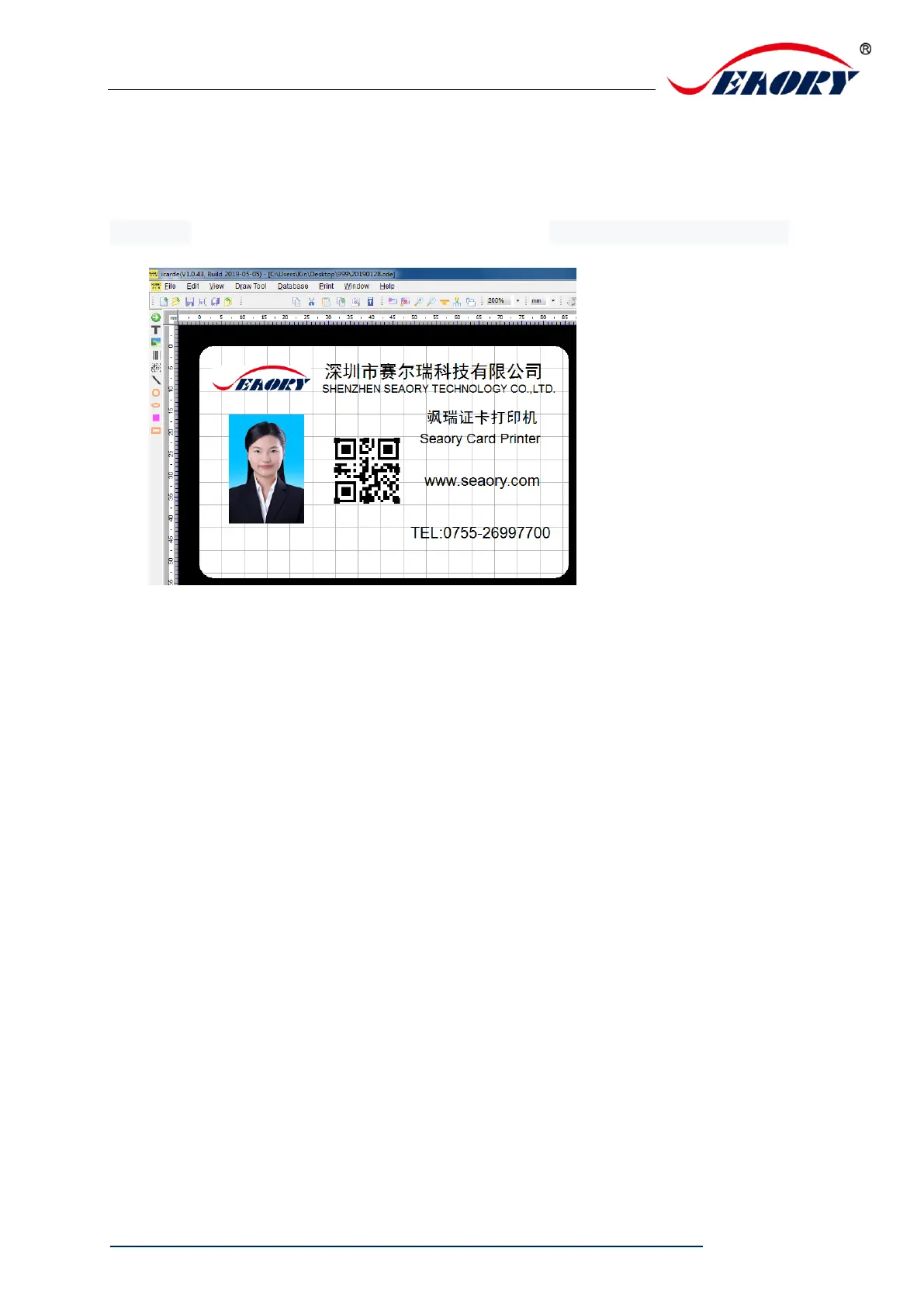
8.2 Seaory iCARDE card design software
After all the above steps are completed, relevant software can be used to
print and test the card printer. You can also do print test through Seaory’s
iCARDE software. For details, please refer to Seaory iCARDE manual.
9. Cleaning and maintenance
9.1 Replace cleaning roller
The purpose of the cleaning roller is to absorb the dust on the card and
improve the printing effect.
Replace cleaning roller after every roll of ribbon use up or one time per
month. Operating details please refer to 5.1 section.
9.2 Cleaning card moving path
Deposition of dust or contaminants inside the card printer may cause
damage to important parts and affect the printing effect. Therefore, it’s
recommended to clean the printer when changing the ribbon or at least
clean one time a month.


 To Next Page