Seaory S22 Desktop Dual-sided Card Printer
Excellent quality, Perfect service
www.seaory.com 44 / 53
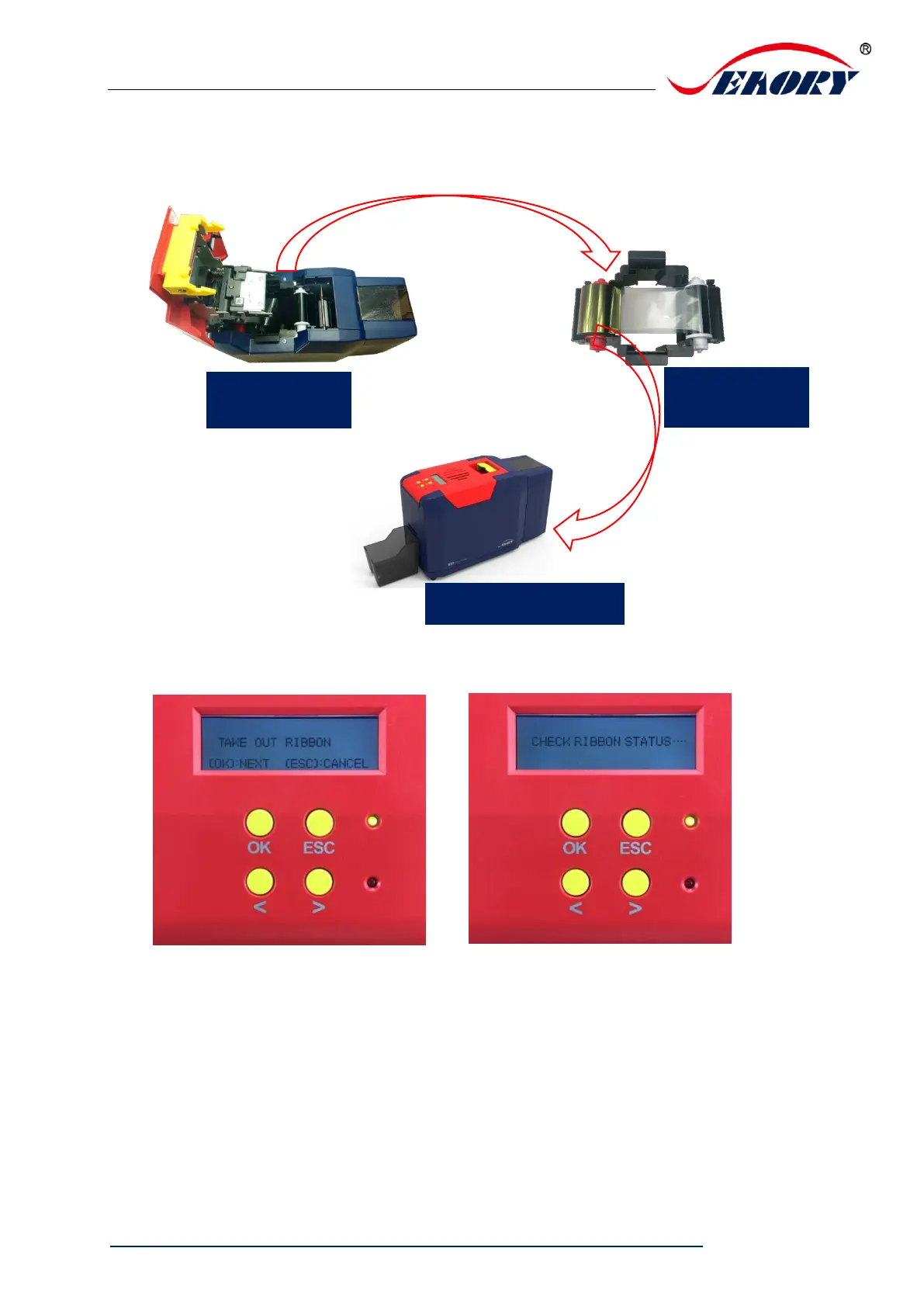
Step 4: Open the cover, take out ribbon cartridge, and then close the
upper cover.
Step 5: Press “OK” one time. The card printer will start to cleaning.
Step 6: The cleaning card will be exit from card exit mouth after
finished cleaning. After it, please install the ribbon cartridge and close the
upper cover.


 To Next Page