‘By Frequency’
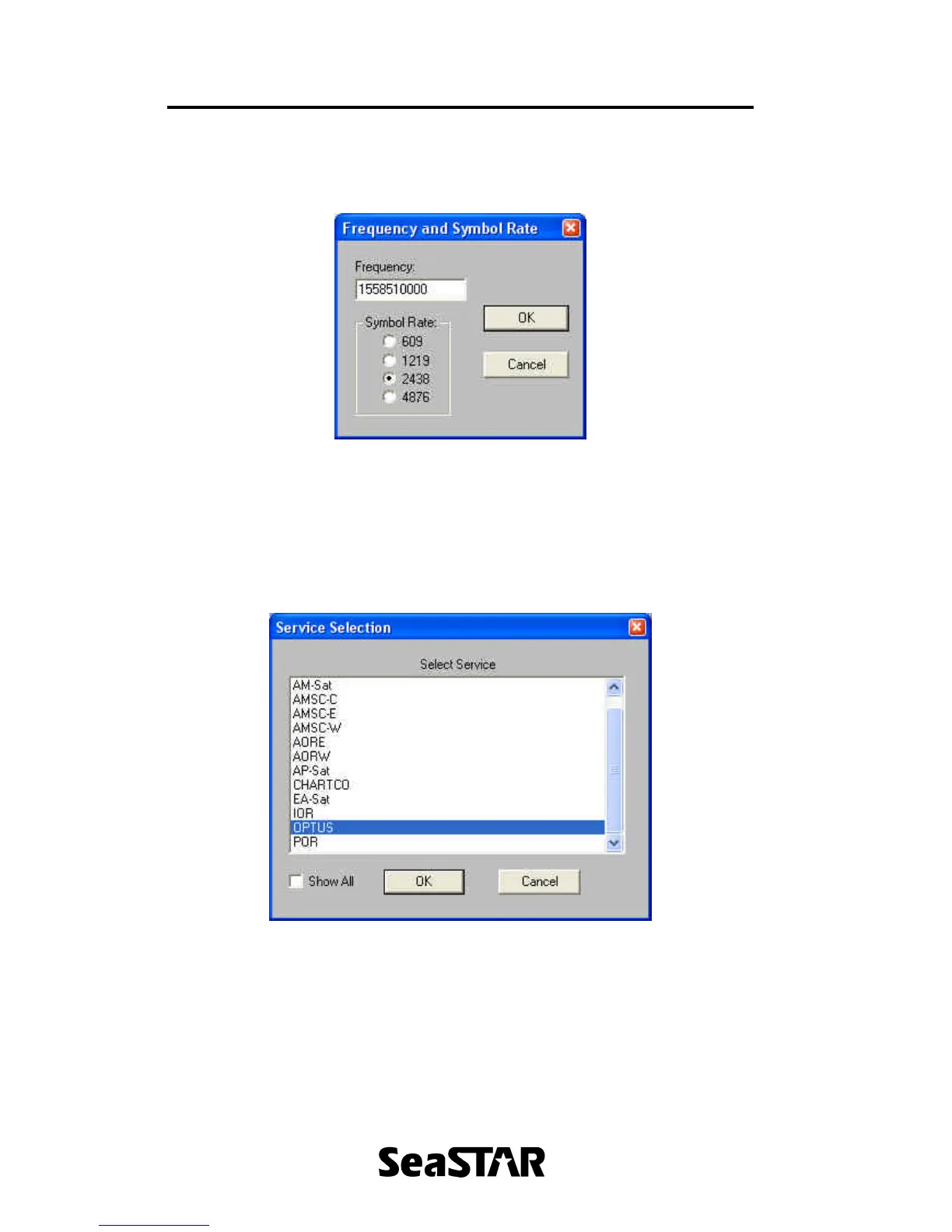
If ‘By Frequency’ was clicked, a window will appear as shown in Figure 14.
Figure 14.
In this window, enter the frequency in Hertz and select a Symbol Rate. Click ‘OK’
to save and exit.
‘By Service Name’
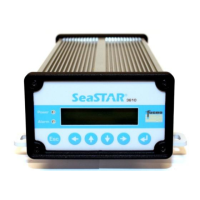
If ‘By Service Name’ was selected, a window similar to that shown in Figure 15.
Figure 15.
Select the service to receive DGPS corrections from and click ‘OK’.


 To Next Page