2.3 Debug
Power on and test according to the instructions. The debugging will be completed until the lock
opened successfully by reading card, password and exit button.
3 Basic functions
Operating conventions:
> A long sound"Di-"indicates correct operate. Three short sounds"Di Di Di"indicates wrong
operate . The indicator light flash in green means operate successfully.
> "#"indicates confirmed completely, normally used behind pass word, ID number, or parameter.
> "*"indicates cancel the current operation or return to the previous menu.
> The management menu is fixed to 1 digit. from 0-6, cannot press key"#"after it. After entering
setting menu, the indicator light turns to orange.
> Under administrator mode, it will automatically exit to standby state if there is no operation
within 30 seconds.
> Under non-administrator mode, it will automatically exit to standby state if there is no operation
within 5 seconds.
Light and buzzer indication:
Operation status Light color Buzzer
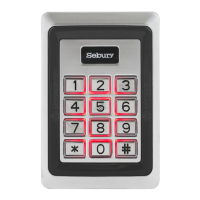
Standby Red
PIN inputting Red flash
In Card & PIN mode after reading card Red flash
Enter into administrator mode Red flash
Enter menu setting status Orange
Successful operation Green A long sound
Unlock the lock Green
Press number key A short sound
Press key * A long sound
Failed operation Three short sound


 To Next Page