46 •
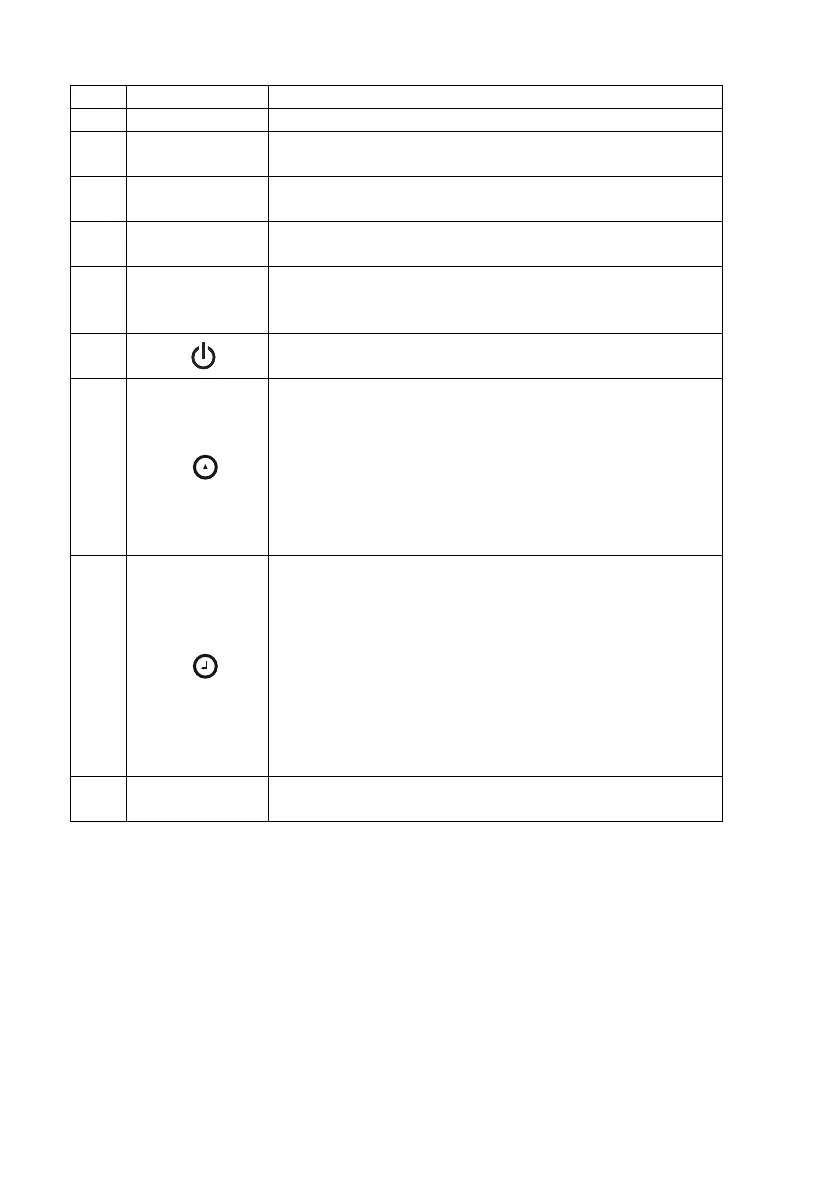
No. Control Function
1
Head slide Control for determining height
2
Keypad, head
slide
Controls for performing length/height measurements and
for configuring the device
3
Frankfurt
measure
Pull-out ruler for aligning the head according to the so-
called “Frankfurt Horizontal”.
4
Display, head
slide
Display element of the head slide for measured results
and for configuration
5
Battery
compartment,
head slide
Designed to take battery pack with 4 type AA batteries
(mignon), 1.5 V
6
Start key, head slide:
Switch head slide on and off
7
Arrow key (hold/zero)
• During measuring
- Press briefly: activate Hold function
- Hold down: set zero point
•In the menu:
- Select submenu, select menu item
- Set value (press briefly: value is changed by 1, press
for longer time: value is changed until key is released)
8
Enter key (send/print):
• During measuring (if wireless network is set up)
- Press briefly: send measured result to ready to
receive devices (multifunctional display, wireless
printer, PC with USB wireless module)
- Hold down: print out measured result (wireless
printer)
•In the menu:
- Confirm selected menu item
-Save set value
9
Brake button
• Holds the head slide in position
• Pressed to move the head slide



 To Next Page