Replacement instructions
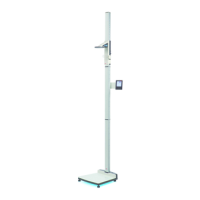
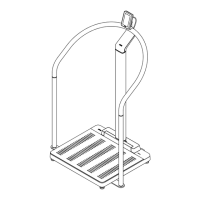
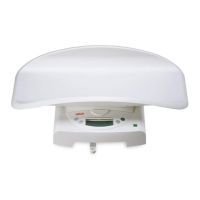
seca 284/ 285
13.09.2010 /KSP 4 30-34-00-811
1 Baseframe
Please be sure to observe the sequence listed below when removing/ fitting the parts!
1.1 Replacing column elements
• Remove the insert scale.
• Start with the uppermost column element.
• First remove the nut (A) from the uppermost column element, remove the column, next
remove the long nut (B) on the 2
nd
column element and proceed likewise to the 3
rd
column element.
• Only then detach the connection between column and frame by unscrewing the 3 hex
socket-head screws (C).
Figure 1: Replacing the column elements
1.2 Replacing the glass plate, load cells and weight module
• To replace the glass plate (G, Fig.3), lever the four cover plates (I) off the bottom side
of the frame and release the four screws (S) underneath.
Figure 2: Replacing the glass plate and load cell screw connection
A
B
C



 To Next Page