78 • seca 651/650
17-10-07-653-100_01-2020B
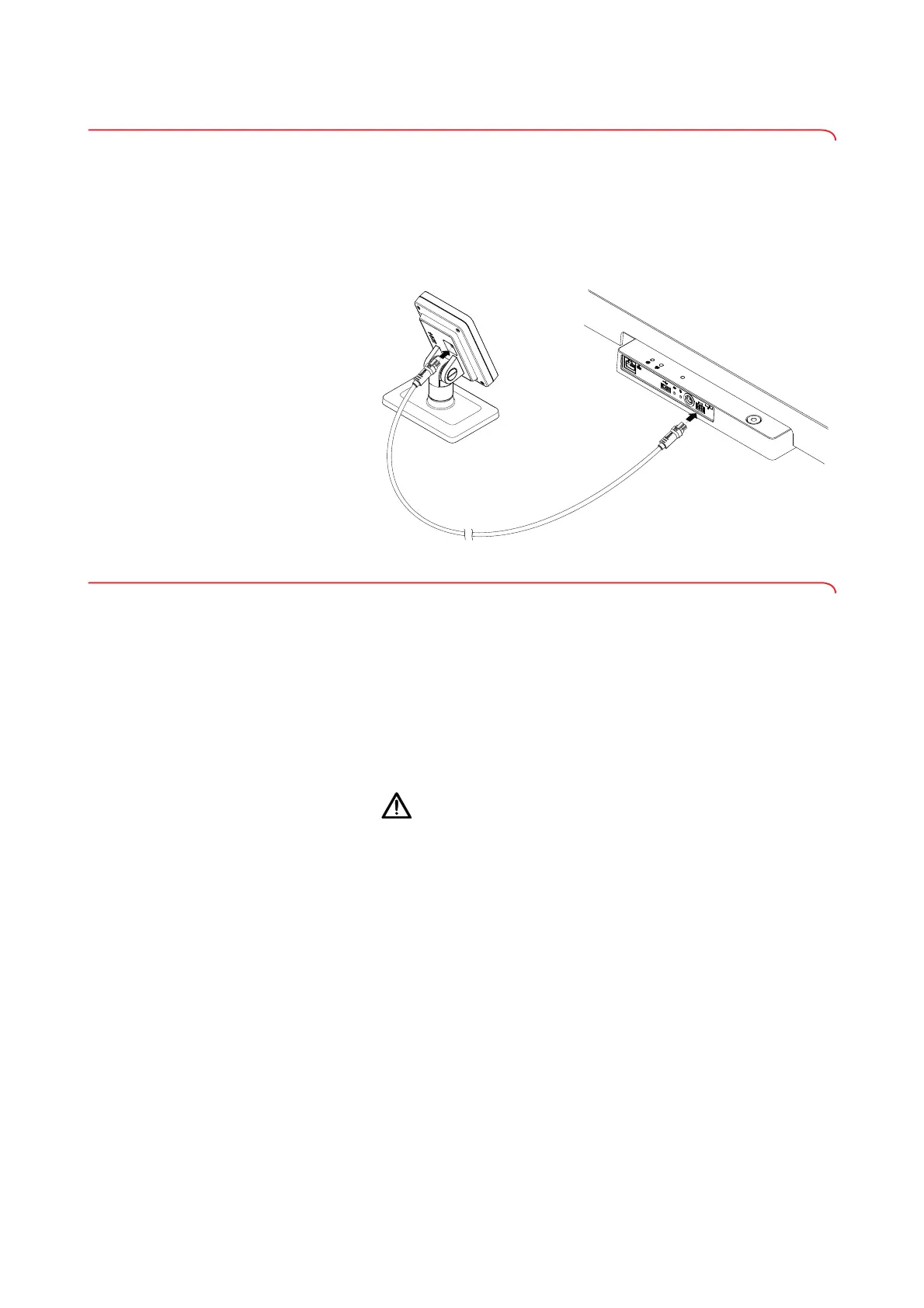
5.6 Connecting the multifunctional display to the scale
NOTICE!
Incorrect measurement as a result of force shunt
If the multifunctional display cable touches the weighing platform, the
weight of the patient cannot be measured correctly.
► Route the cable so that it cannot touch the weighing platform.
► Connect the display cable to the scale and the multifunctional display as
shown in the illustration.
5.7 Connecting a barcode scanner (optional)
A barcode scanner can be connected to the USB interface of the weighing
platform.
The barcode scanner is required for the following functions:
• Configuration: Define network data in the
seca connect 103 software
and transfer them to the device using the QR code: ➔ Setting up
network functions, page 95
• Operation: Record patient and user IDs for transmitting measuring re-
sults to an EMR System: ➔ Completing the measurement procedure,
page 87
WARNING!
Patient hazard
► Route the connecting cable so that patients cannot become caught
or strangle themselves in it.
► Route the connecting cable so that patients and users cannot
stumble.
NOTE
• Observe the maximum permitted current consumption of the
barcode scanner ➔ General technical data, page 109.
• Use only barcode scanners recommended by seca ➔ Optional
accessories and spare parts, page 111.
To connect a barcode scanner, proceed as follows:
1. Make sure that the device is disconnected from the power supply.



 To Next Page