88 • seca 651/650
17-10-07-653-100_01-2020B
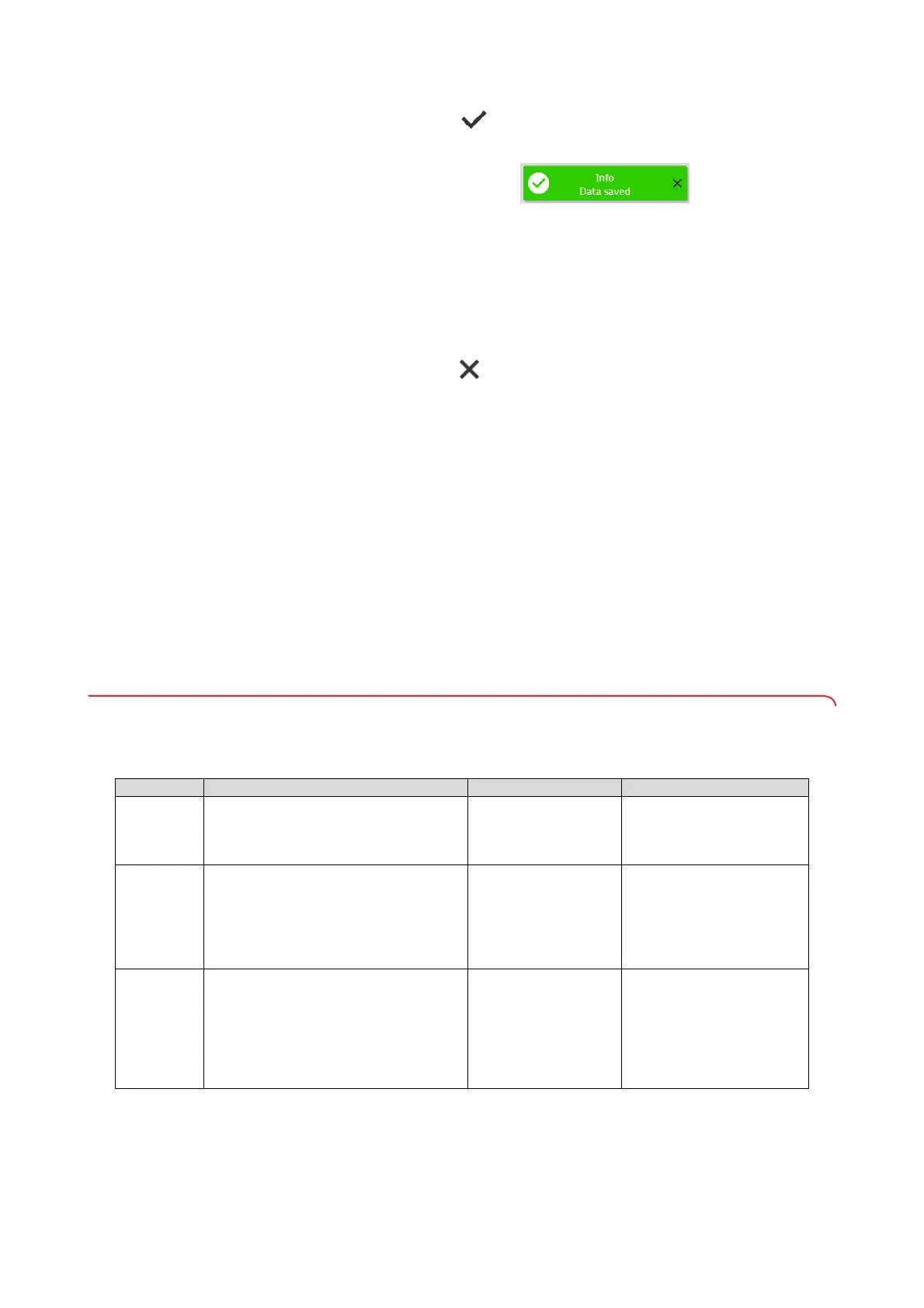
3. Press the key.
The measuring results are submitted to the seca analytics 125 software.
The device is ready for the next measurement.
Standalone devices To complete a measurement on devices that are not connected to an EMR
System or the seca analytics 125 software, proceed as follows:
1. Make sure that the displayed measured values are plausible.
2. Transfer the displayed measured values to the patient file.
3. Press the key.
Measured values and manual inputs are cleared.
The device is ready for the next measurement.
7. CONFIGURATION
NOTE
• The functions described in this part of the instructions for use are
exclusively intended for administrators and hospital technicians.
• This part of the user documentation contains information about con-
figuring the device for measuring mode and for integration into a PC
network.
• Integrating this device into a PC network containing other devices
may lead to previously unknown risks for patients, operators or third
parties. It is the responsibility of the operating company to deter-
mine, analyze, evaluate, and control these risks.
7.1 Basic functions
Changing the device mode The following device modes are available for setting the device up for different
usage situations:
Data have been submitted to the EMR System
Mode Functions Use Recommended user group
Basic
• Measurement functions:
- Performing a measurement
- Reading off results
• No menu access
Guided
measurements
Hospital personnel
Advanced
• Measurement functions:
- Performing a measurement
- Reading off results
- Using additional functions
•Menu:
- Limited device configuration
Guided
measurements
Hospital personnel
Expert
• Measurement functions:
- Performing a measurement
- Reading off results
- Using additional functions
•Menu:
- Device configuration
- Network configuration
• Guided
measurements
• Configuring the
device
• Network connection
• Hospital personnel
• Hospital technicians
• IT administrators



 To Next Page