English
21
10. Mounting
62
10. Mounting
10.1 Mounting the Camera
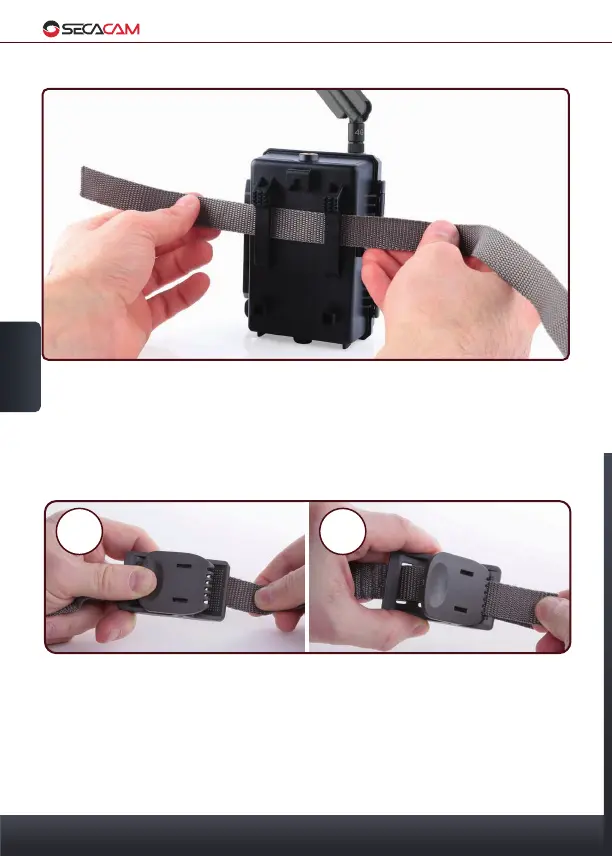
Use the enclosed mounting strap to mount the camera to a tree, a branch
or a pole. Hold the camera in the intended position and pull the loose end of
the strap tight until the camera is fastened securely. Make sure to hide the
remaining part of the strap.
To unfasten the camera, press on the buckle and loosen the mounting strap.
This way you can easily change the cameras position.


 To Next Page