EasyManua.ls Logo

Secure SCS317 - Setting up; Settings - Monday to Friday; Settings - Saturday and Sunday

Secure SCS317
22 pages
Print Icon
To Next Page IconTo Next Page
To Previous Page IconTo Previous Page
Loading...
SETTING UP THE SCS317
Upon initial installation the SCS317 has the following factory
default settings
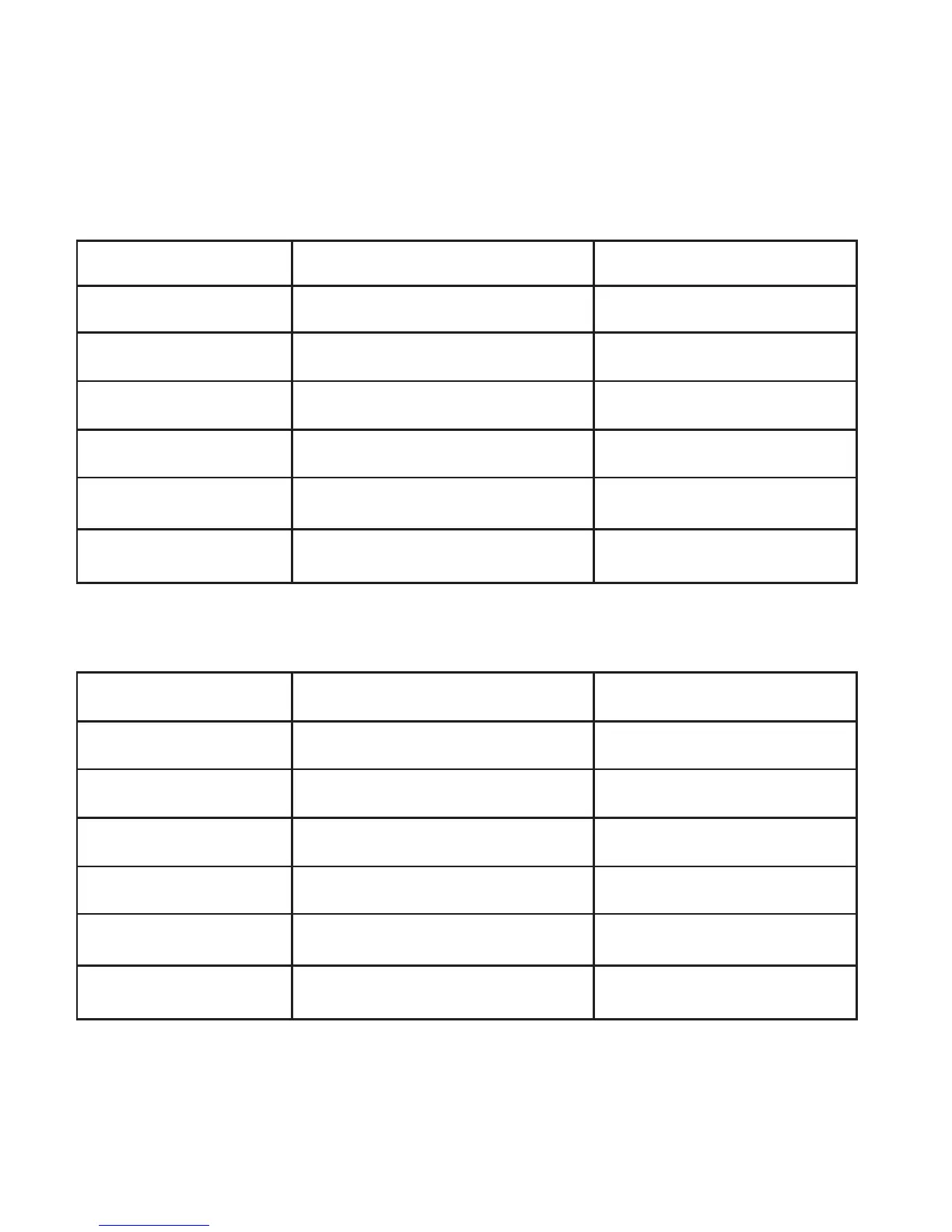
Settings Monday to Friday
Time Target Temperature
Period 1 06:00 am 20 °C
Period 2 08:30 am 18 °C
Period 3 11:30 am 20 °C
Period 4 01:30 pm 18 °C
Period 5 05:00 pm 21 °C
Period 6 10:00 pm 15 °C
Settings – Saturday and Sunday
Time Target Temperature
Period 1 07:00 am 20 °C
Period 2 10:00 am 19 °C
Period 3 11:30 am 21 °C
Period 4 01:30 pm 18 °C
Period 5 05:00 pm 21 °C
Period 6 11:00 pm 15 °C
These can be changed by the installer or the end user at any
time by accessing the MAIN MENU
6

Related product manuals