Select a channel group and then click ,you can delete it.
Modify channel group
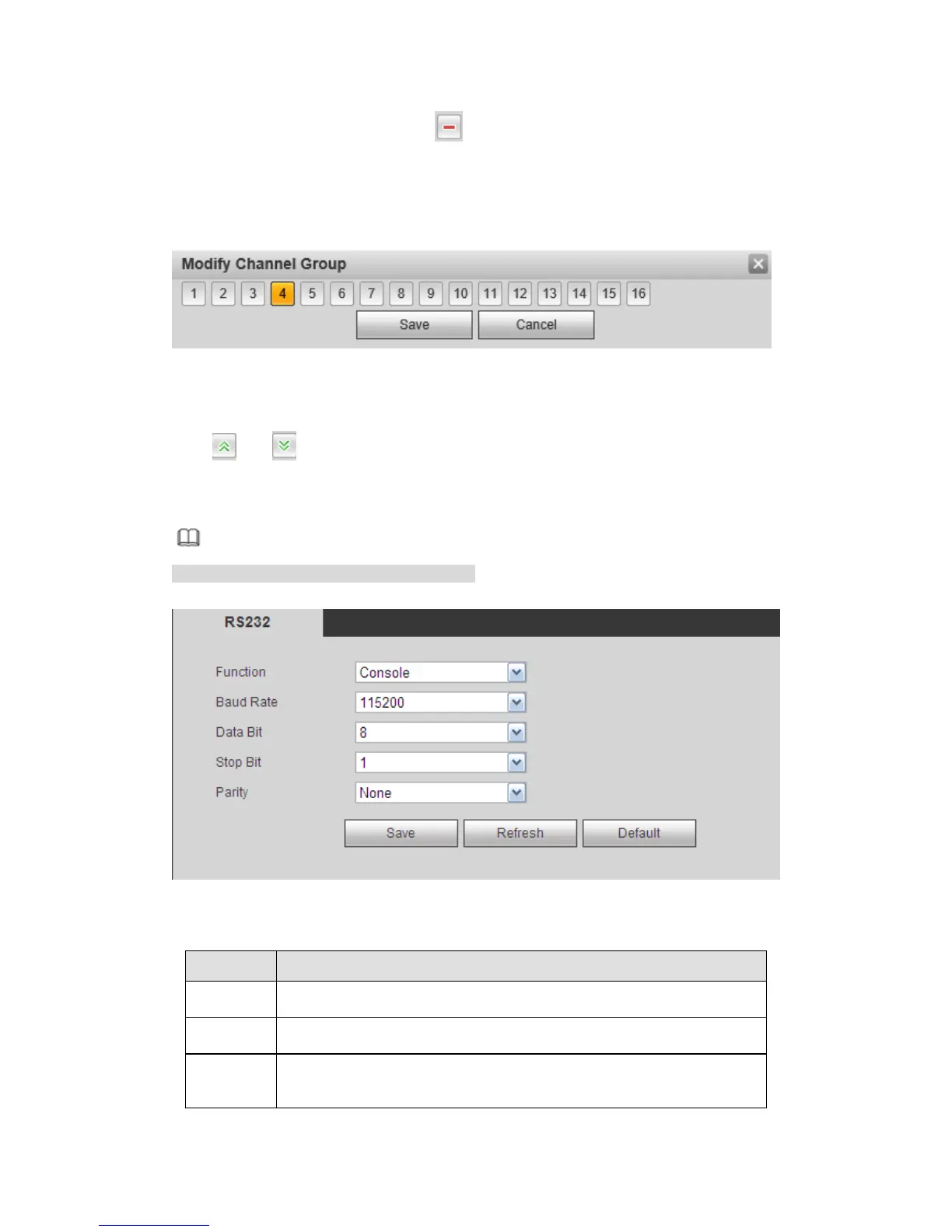
Select a channel group and then double click, you can see the following interface. See
Figure 5-122. You can change the setup and then click OK button.
Figure 5-122
Adjust channel group sequence.
Click or to change channel sequence.
5.10.5.4 RS232
Note
This function is for some series product only.
The RS232 interface is shown as in Figure 5-123.
Figure 5-123
Please refer to the following sheet for detailed information.



 To Next Page