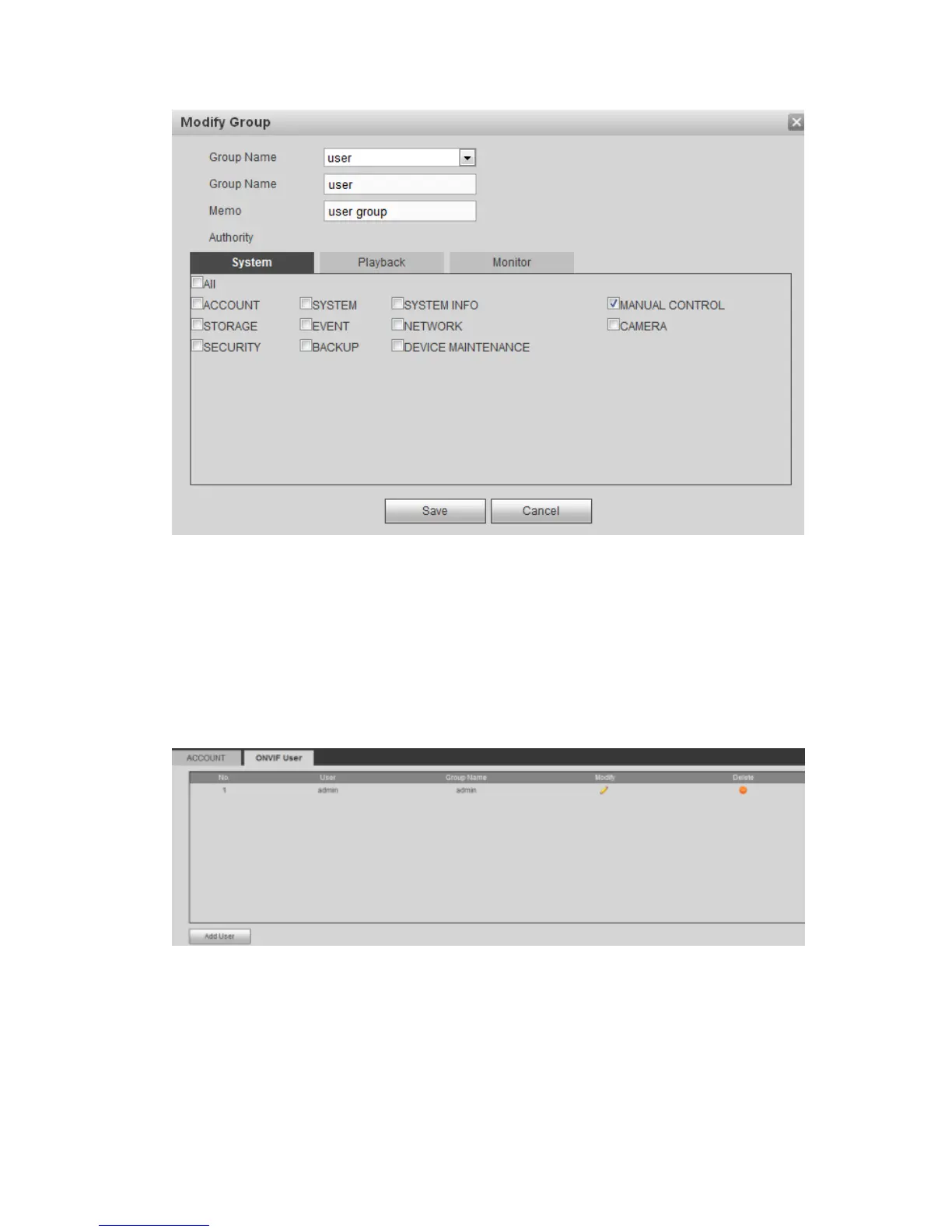
Figure 5-141
Step 2 Change corresponding information and then click Save button.
5.10.5.9.3 ONVIF User
When the camera from the third party is connected with the DVR via the ONVIF user,
please use the verified ONVIF account to connect to the DVR.
Step 1 From main menu->Setting->System->Account->ONVIF User.
Enter ONVIF user interface. See Figure 5-142.
Figure 5-142
Step 2 Click Add user button.
Enter add user interface. See Figure 5-143.



 To Next Page