During the file playback process, you can switch to other channel via the
dropdown list or rolling the mouse.
This function is null if there is no record file or system is in smart search process.
4.7.1.1 Smart Search
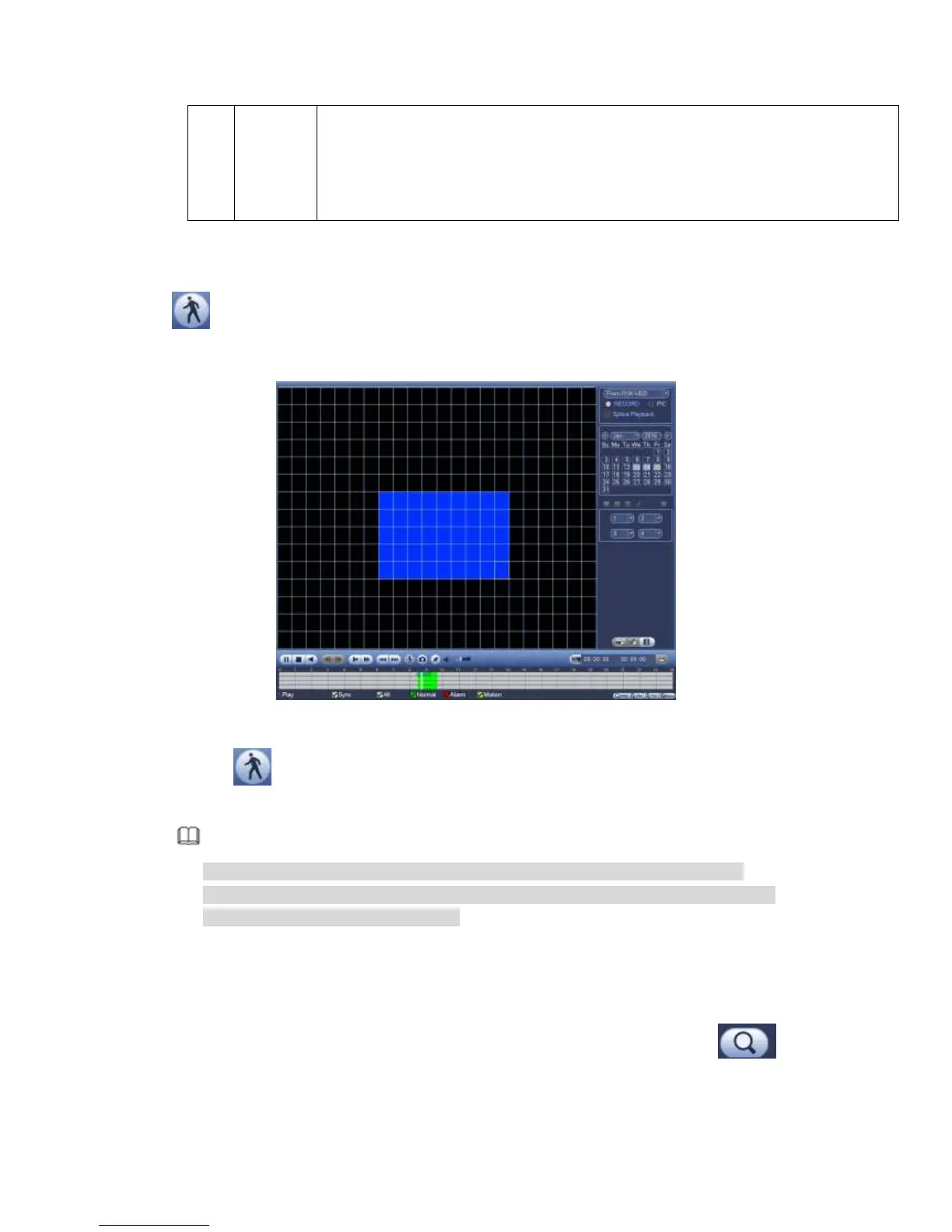
During the multiple-channel playback mode, double click one channel and then click the
button, system begins smart search. System supports 396(22*18 PAL) and
330(22*15 NTSC) zones. Please left click mouse to select smart search zones. See
Figure 4-72.
Figure 4-72
Click the , you can go to the smart search playback. Click it again, system stops
smart search playback.
Note
System does not support motion detect zone setup during the full-screen mode.
During the multiple-channel playback, system stops playback of rest channels if you
implement one-channel smart search.
4.7.1.2 Accurate playback by time
Select records from one day, click the list, you can go to the file list interface. You can
input time at the top right corner to search records by time. See image on the left side of
the Figure 4-73 For example, input time 11:00.00 and then click Search button ,
you can view all the record files after 11:00.00 (The records includes current time.). See
image on the right side of the Figure 4-73 Double click a file name to playback.



 To Next Page