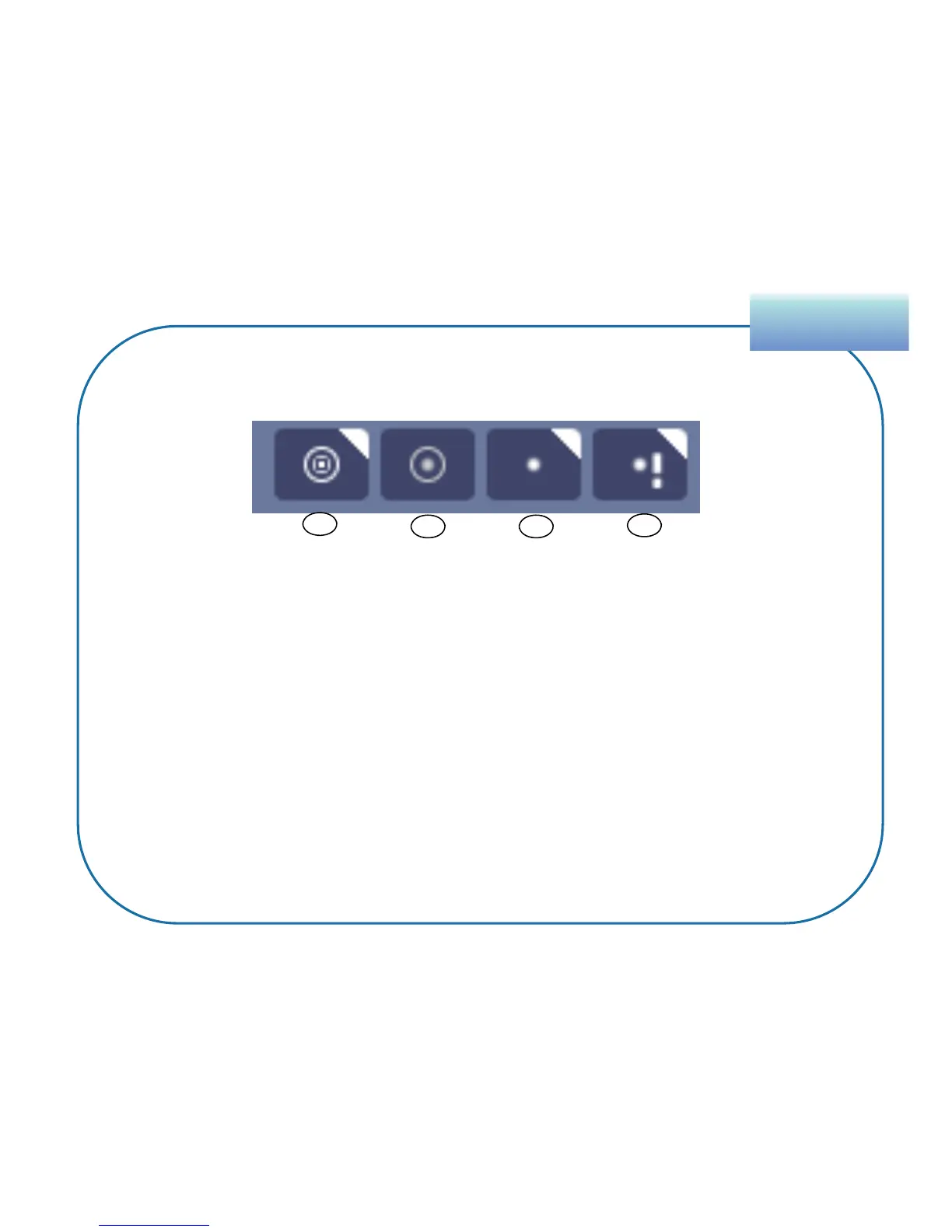
1. Toggle Visits – Click to show\hide Visits.
2. Toggle Visit Points – Click to show\hide the points within a Visit.
3. Toggle Trackpoints – Click to show\hide trackpoints.
4. Toggle Trackpoint Events – Click to show\hide event marks on all
points with events progress.
SupervisionSupervision
54
Features of the Map Tab
Trackpoint & Visit Toggles
1
2 3
4


 To Next Page