Step 5: Connecting the camera
The camera will be connected to the same Wi-Fi network as your smartphone,
so it is essential to check that it is connected to the 2.4 GHz Wi-Fi network of
your Internet box.
To avoid any connection problems, it is strongly advised not to carry out the
connection stage outdoors (reading the QR Code complicated by the light/sun,
Wi-Fi network out of range, etc.).
a. Connect the camera to a USB socket
b. Place the camera and your smartphone as close as possible to the internet
box
c. Avoid doing this near a window (backlight) or a strong light source to
facilitate reading the QR Code (next step)
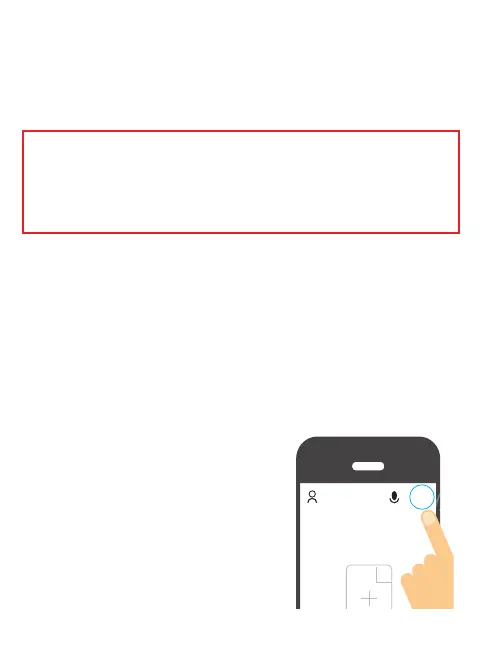
5.2.1 Click on the + symbol at the top right of
the screen:
+


 To Next Page