HF Series Generators -- RAD Console
Operation
OM- 0279R1
17
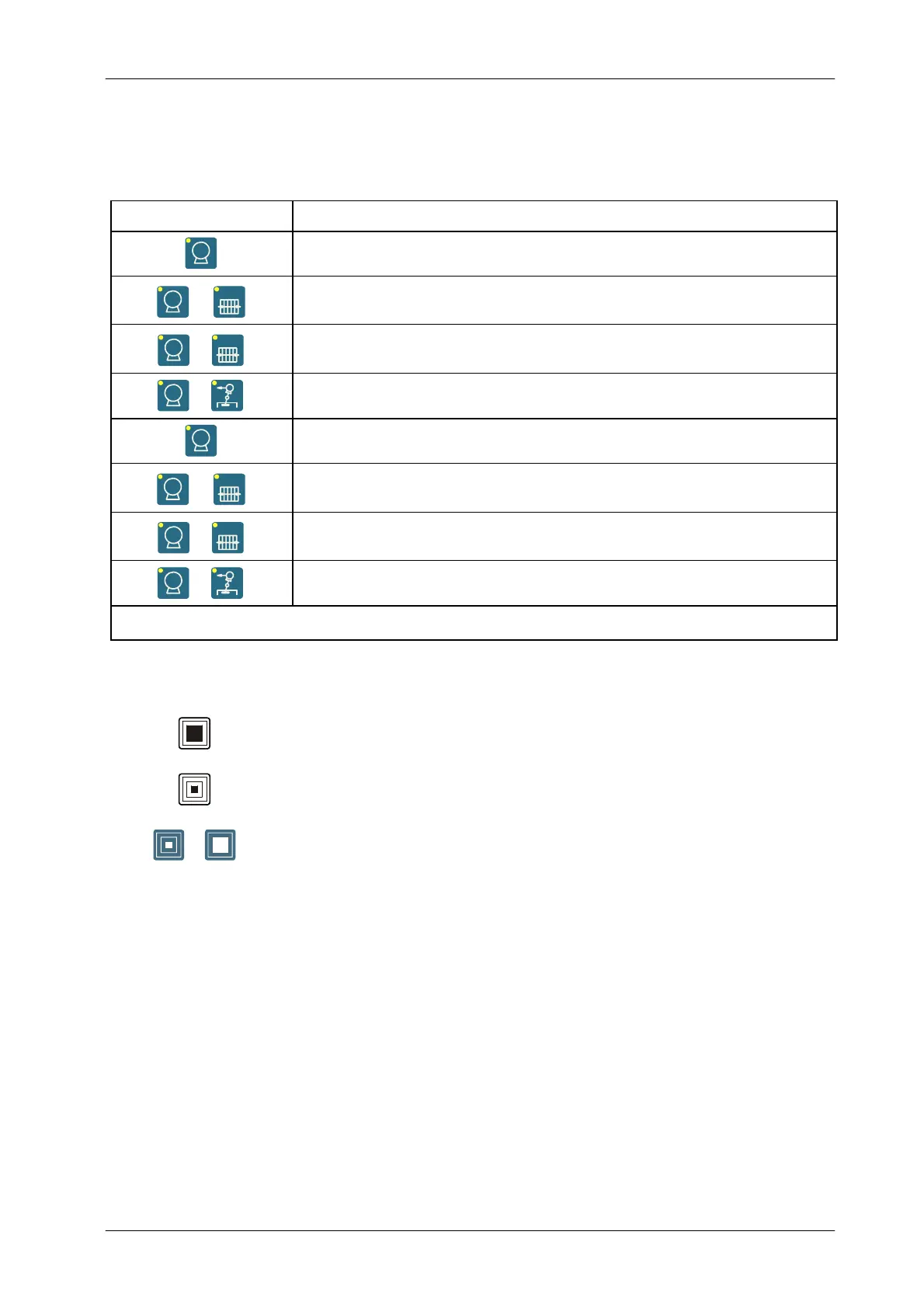
Note in the following table the configuration of the Workstation assigned for
each push-button.
PUSH-BUTTONS WORKSTATION (Tube, Bucky, etc.)
1
+
1
1
+
1
2
+
1
2
+
2
1
+
2
2
+
2
Note.-- Workstation data such as X-ray Tube, Bucky, Tomo, Fluoro, Spot Film, Cine, DSI, DSA, Ion Chambers, etc... must be
registered.
3.1.3 FOCAL SPOT INDICATORS AND SELECTORS
LARGE FOCAL SPOT: Indicates that the “Large Focal Spot” of the X-ray Tube
has been selected.
SMALL FOCAL SPOT: Indicates that the “Small Focal Spot” of the X-ray Tube
has been selected.
FOCAL SPOT SELECTORS: Each push-button selects the related Focal Spot
of the X-ray Tube, keeping kVp and mAs constant (maximum mA available and
minimum Exposure Time).
The Focal Spot change can be done whenever the present
conditions of the X-ray Tube allow it.
The mA station set for the Focal Spot change is configured by the
field engineer during the installation.
The Focal Spot may also be selected:
• according to the selected mA station.
• by pressing “ON”+“mA or mAs increase” push-buttons to select Large
Focal Spot, or by pressing “ ON ”+“mA or mAs decrease” push-buttons
to select Small Focal Spot.
Note .
Note .



 To Next Page