HF Series Generators -- RAD Console
Operation
OM- 0279R1
29
3.4 EXPOSURE CONTROLS AND INDICATORS
Radiographic exposures from the Control Console are made with the “Prep”
(preparation) and “Expose” (X-ray exposure) push-buttons or with the
Handswitch. The status of the exposure is indicated by the “Ready” and “X-ray
On” indicators for the duration of the exposure.
Tomographic exposures controlled from the Generator are performed with the
exposure controls at the Console or with the Handswitch.
PREP: Press the ”Prep” push-button to prepare the selected X-ray Tube for
exposure. The “Ready” indicator on the Console will light when the X-ray Tube
is prepared and there are no interlock failure or system faults.
After pressing this push-button, the following functions are activated:
• Anode rotation.
• Filament current switches from stand-by to the selected mA.
EXP: After the “Ready” indicator is illuminated, press this push-button to start
a X-ray exposure. If the push-button is released before the Generator
completes the selected time or the AEC time, the exposure will be prematurely
terminated and the actual mAs and Exposure Time will be displayed.
The “X-ray On” indicator remains illuminated during the length of exposure.
READY: Indicates that the technique selected is properly set, there are no
interlock failures or system faults, the anode is rotating and the X-ray Tube is
ready for exposure.
X-RAY ON: Indicates that the X-ray exposure is in progress. At the same time
that radiographic exposures are being made, an audible signal sounds.
3.5 X-RAY HANDSWITCH
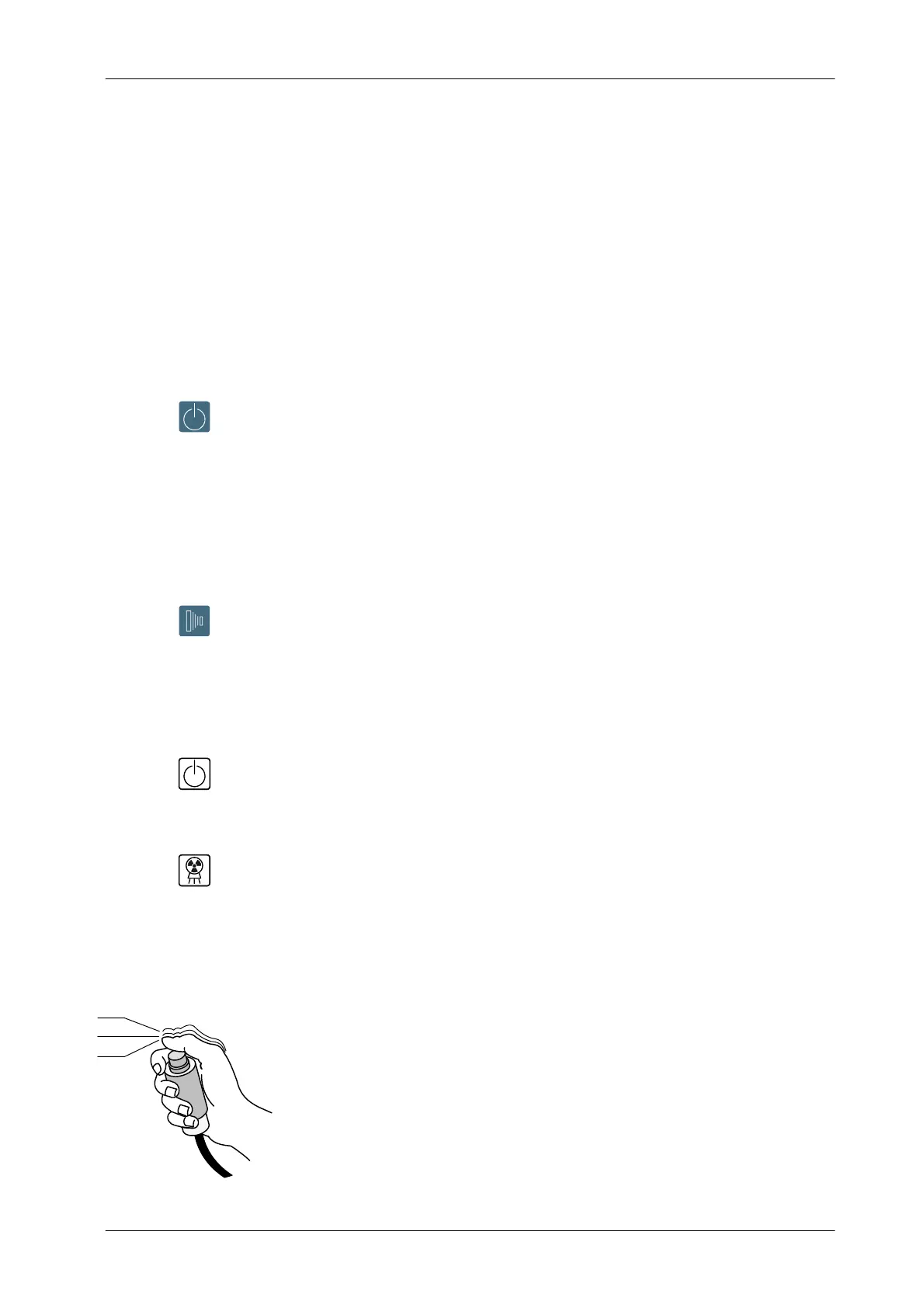
Radiographic exposures can also be initiated with the X-ray Handswitch which
is connected to the Control Console.
The X-ray Handswitch button has three positions: “Off”, “Preparation”, and
“X -ray Exposure”, which operate in the same way that “Prep” and “Exp”
push-buttons on the Control Console.
Press the Handswitch half-way for “Prep” and fully for “Exp”.
Prep
OFF
Exp



 To Next Page