14
BACKLIGHT
To activate the Backlight while in the Surface Mode or
during a dive-
• Press and release the Select (Side) button.
• The screens will be illuminated for 3, 5, or 7 seconds (a
user setting). Press and release the button again to
activate as desired.
• The Backlight does not operate during a Low Battery
condition.
DISPLAYING SERIAL NUMBER AND SOFTWARE VERSION
After the activation the XP 5 goes in the diagnostic mode
where all the segments of the display are checked.
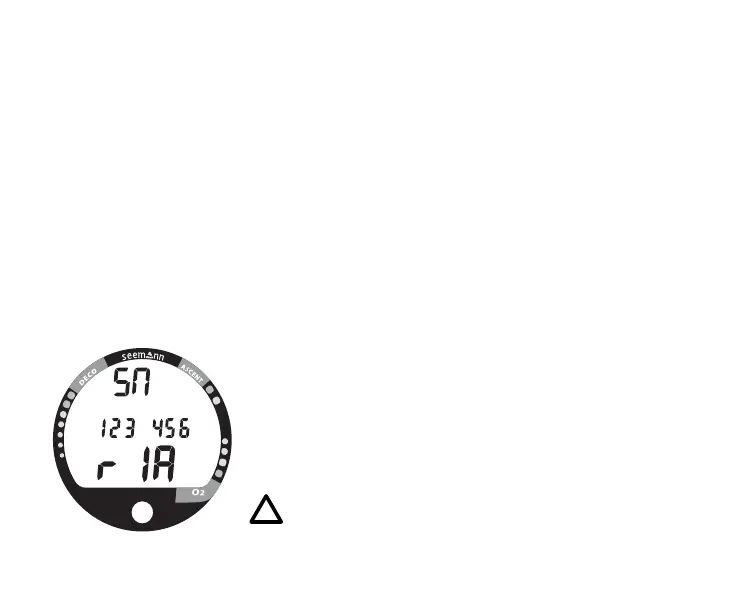
• For displaying the serial number and software version of
the computer keep the right Select - Button pressed until the
countdown of the diagnostic mode reaches 00. The
information will be displayed (Fig. 6). After releasing the
button the XP 5 will shut down and has to be restarted.
NOTE: SEEMANN recommends that you always
carry primary and backup dive lights when
conducting dives that could include low light
situations.
Fig. 6 - Serial Number



 To Next Page